Logs and Events
AxonOps provides a powerful logging feature that allows you to search and filter logs based on different parameters such as:
- DC/Rack/Node
- Log Level
- Event Type
- Source
- Log Content
The logs and events are visible in two locations allowing quick access to them without having to log in to the individual servers:
-
Within the Logs & Events tab:
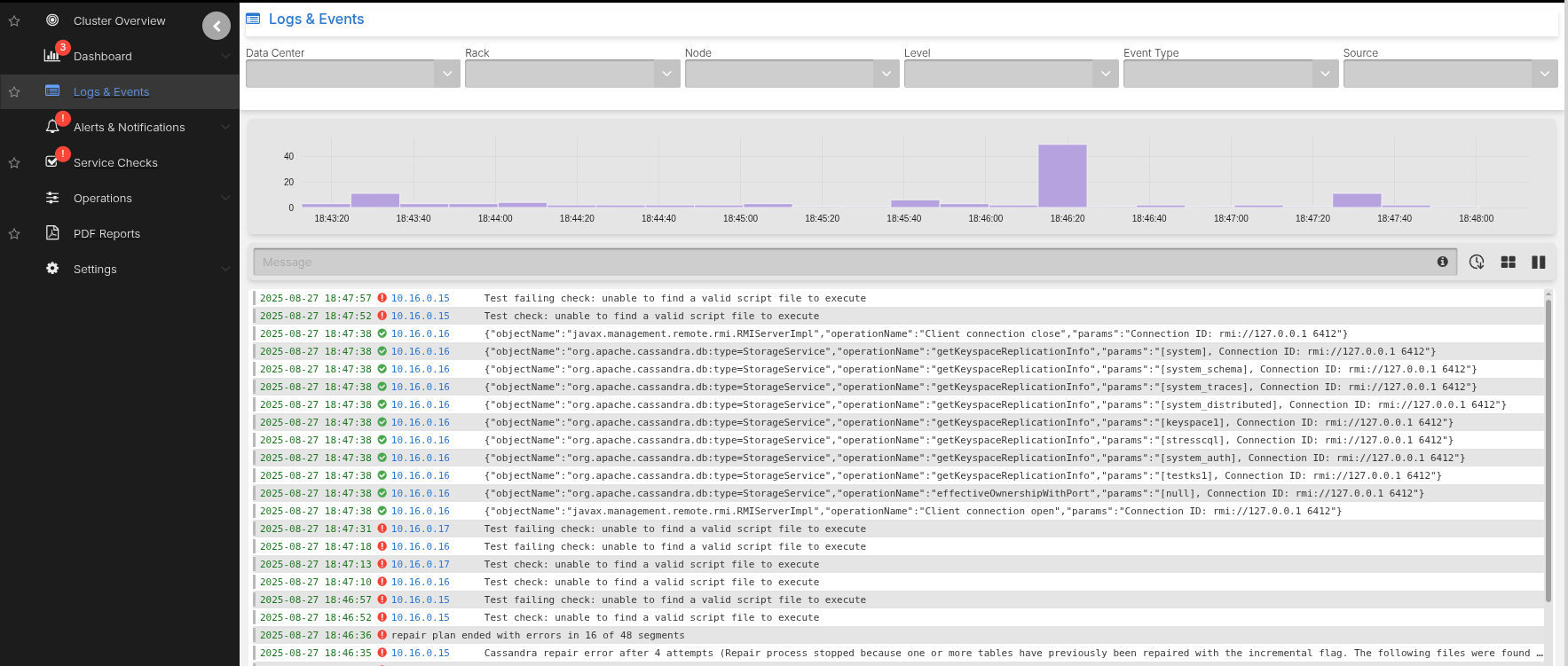
-
Within the AxonOps Dashboard by dragging the bottom handle icon up:
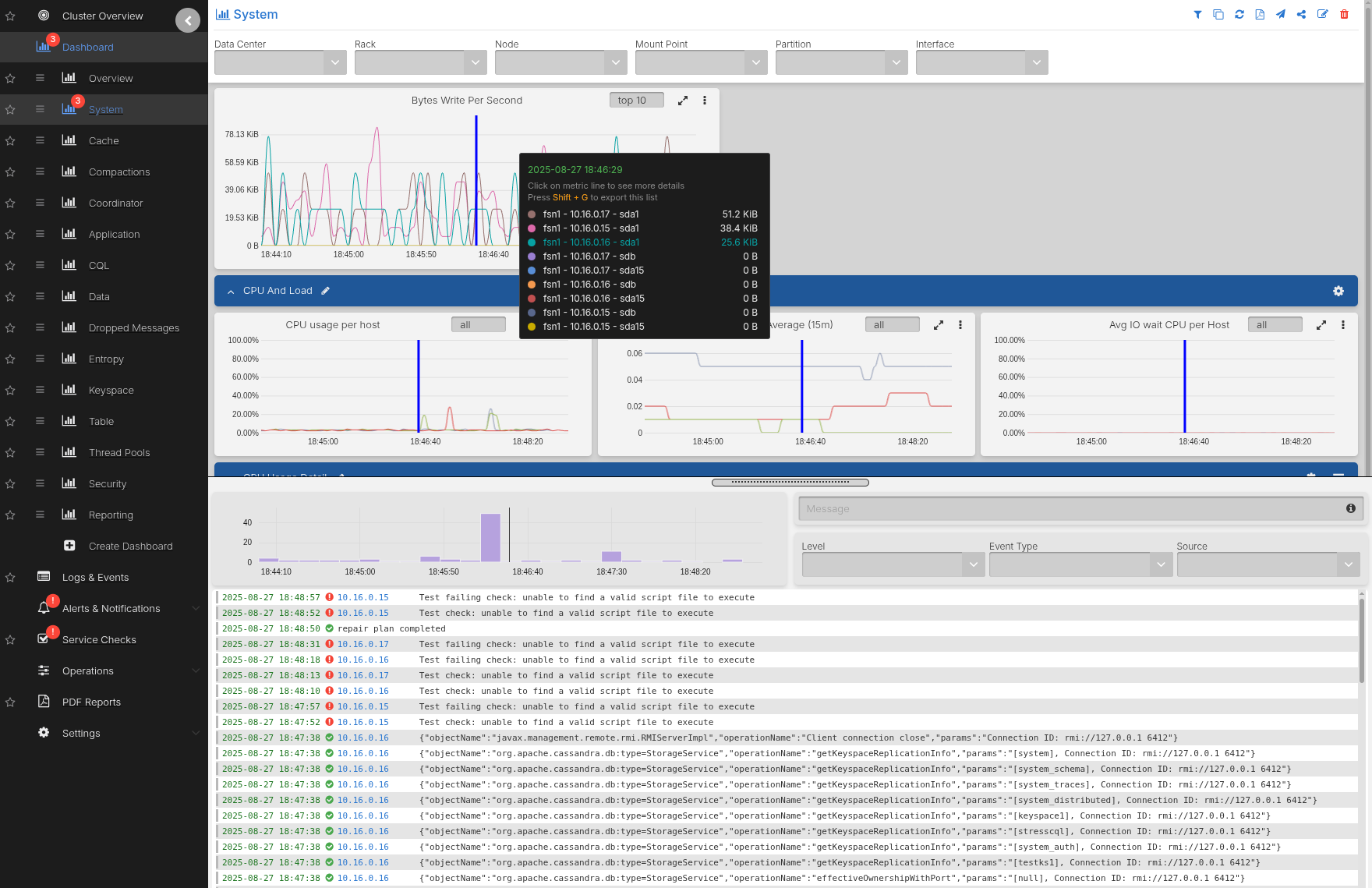
Search by Log Level
Filter logs based on their log levels to focus on specific severity levels. The log level indicates the importance or severity of a message from the most critical (ERROR) to less severe (DEBUG).
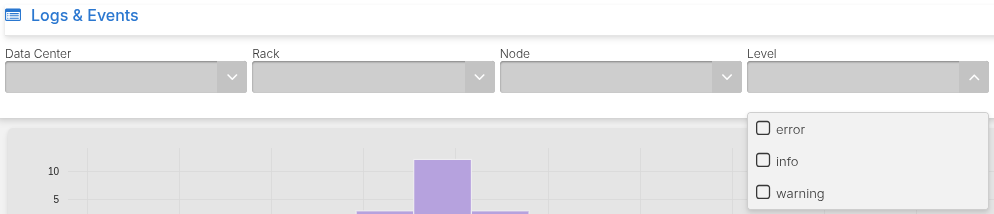
Setting up the Debug Level
To search logs by DEBUG level you have to enable DEBUG logs in Cassandra by editing
the logback.xml file:
<appender name="SYSTEMLOG" class="ch.qos.logback.core.rolling.RollingFileAppender">
    <filter class="ch.qos.logback.classic.filter.ThresholdFilter">
        <level>DEBUG</level>
Note: Enabling DEBUG logs within Cassandra is not advised during normal operations and should only be activated for short periods of time on select nodes when debugging issues where INFO logs do not provide enough visibility.
Leaving DEBUG logs on indefinitely can cause immense strain on the Cassandra process due to its high CPU usage.
Search by Logs Source and Event Type
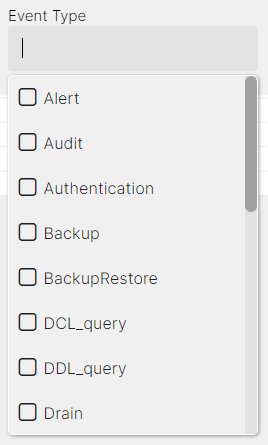
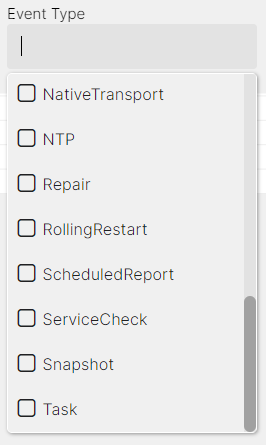
You can filter logs based on the log source (cassandra, axon-server, and axon-agent logs) and event type to narrow down search results.
Search by Content
For free text search, enter a keyword in the Message field or use the /<expression>/ syntax to search by regex expressions.
Example Search Terms
Currently the following keyword syntax is supported:
hello- matches
hello
- matches
hello world- matches
helloorworld
- matches
"hello world"- matches exact
hello world
- matches exact
+-hello- matches excluding
hello
- matches excluding
+-"hello world"- matches excluding
hello world
- matches excluding
+-hello +-world- matches excluding
helloorworld
- matches excluding
/.*repair.*/- displays logs that contain a specific word or phrase
/(Validated|Compacted)/- displays logs that match either what is before or after the
|, in this caseValidatedorCompacted
- displays logs that match either what is before or after the
/Segment.*deleted/- displays logs that contain both patterns in a line, in this case
Segmentanddeleted
- displays logs that contain both patterns in a line, in this case