Configure a Topic
Topic Configuration
Topic configuration refers to the settings that control the behavior and characteristics of a Kafka topic. These configurations can be set at the time of topic creation or modified later.
Core Topic Configuration Options
| Option | Description | Example/Default Value |
|---|---|---|
retention.ms |
How long (in milliseconds) to retain messages in the topic. | 604800000 (7 days) |
retention.bytes |
Maximum total bytes to retain in the topic. | -1 (unlimited) |
cleanup.policy |
How old data is removed: delete (default) or compact (log compaction). | delete |
min.insync.replicas |
Minimum number of replicas that must acknowledge a write for it to be considered successful. | 1 |
segment.bytes |
Size of each log segment file. | 1073741824 (1 GB) |
segment.ms |
Time after which a new log segment is rolled. | 604800000 (7 days) |
max.message.bytes |
Maximum size of a single message. | 1048576 (1 MiB) |
compression.type |
Compression algorithm for topic data: gzip, snappy, lz4, zstd, uncompressed, producer. | producer |
message.timestamp.type |
Whether to use CreateTime or LogAppendTime for message timestamps. | CreateTime |
Note
Defaults can vary by Kafka version and broker configuration. Confirm the effective values in your cluster.
For all Apache Kafka topic configuration options, see the Apache Kafka topic configuration reference.
How to change configuration options
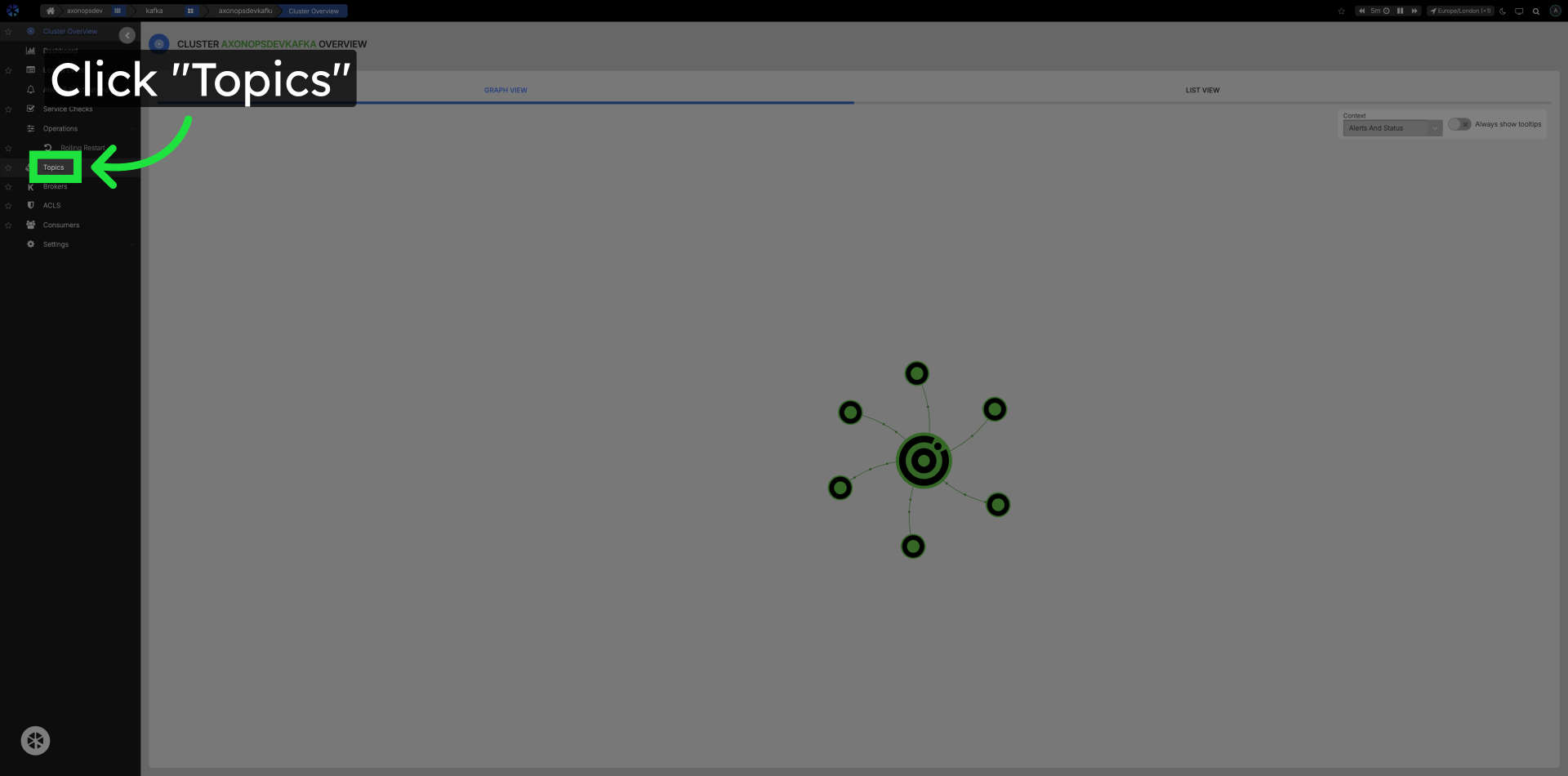
Click Topics in the left navigation
Go to the Topics section.
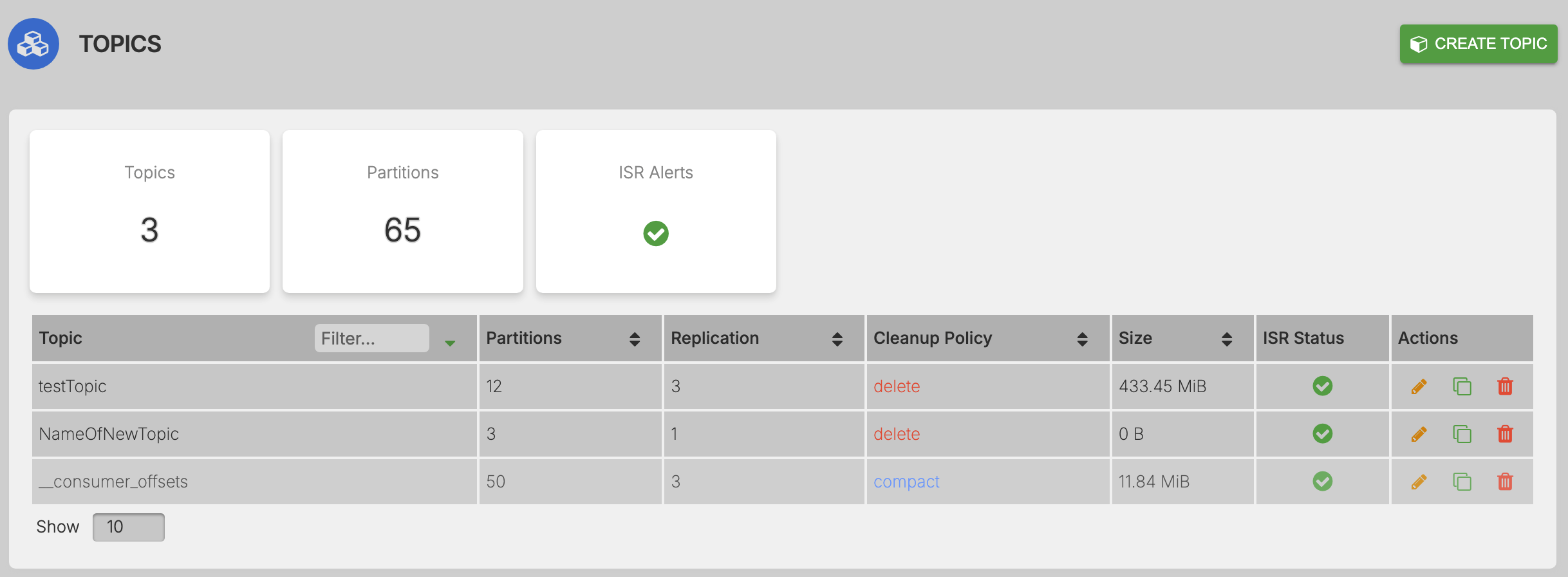
Click the name of the topic to edit
Click on the topic name in the list to open the configuration and metrics popup.
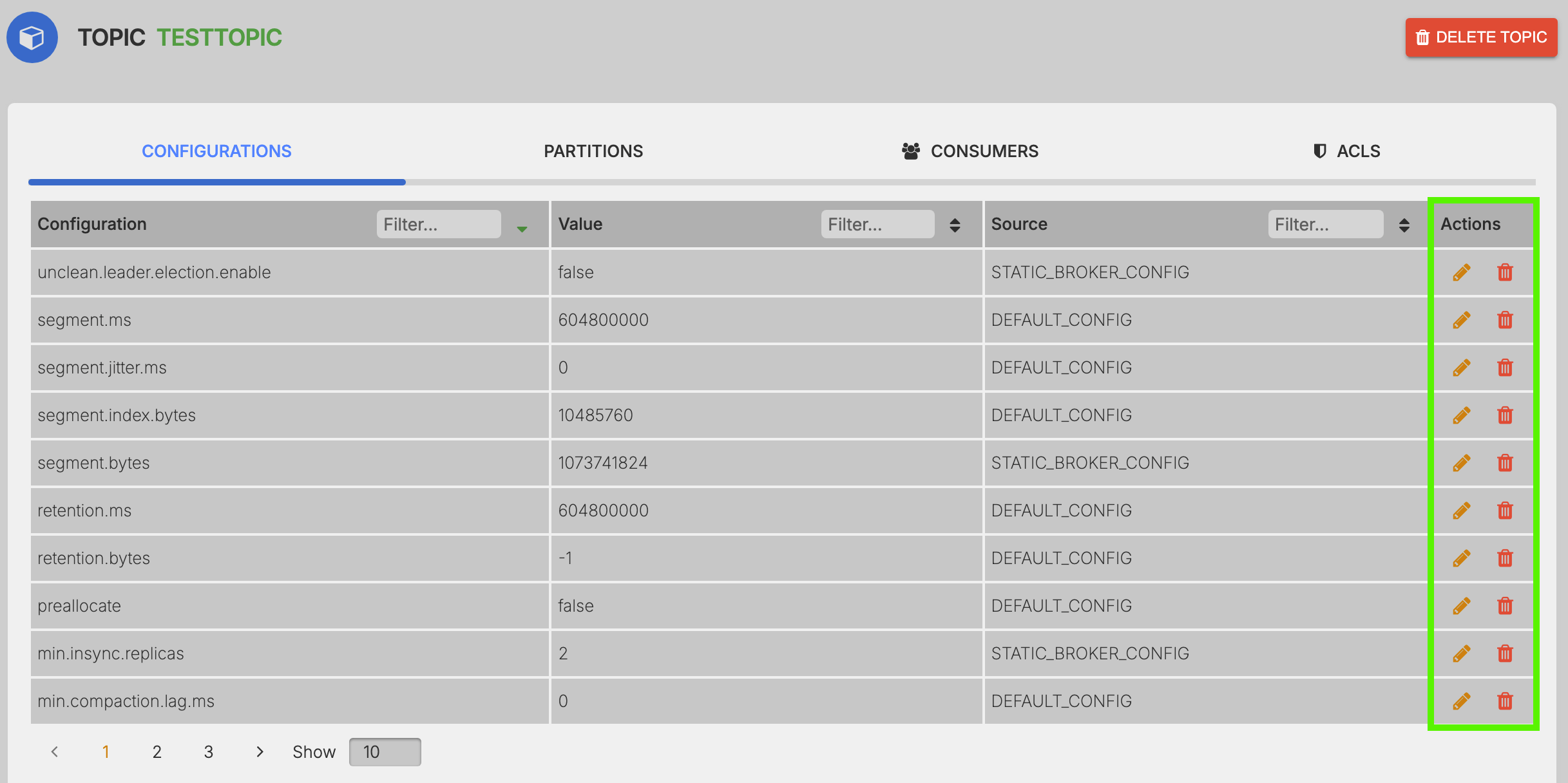
Filter config options by name, value, or source
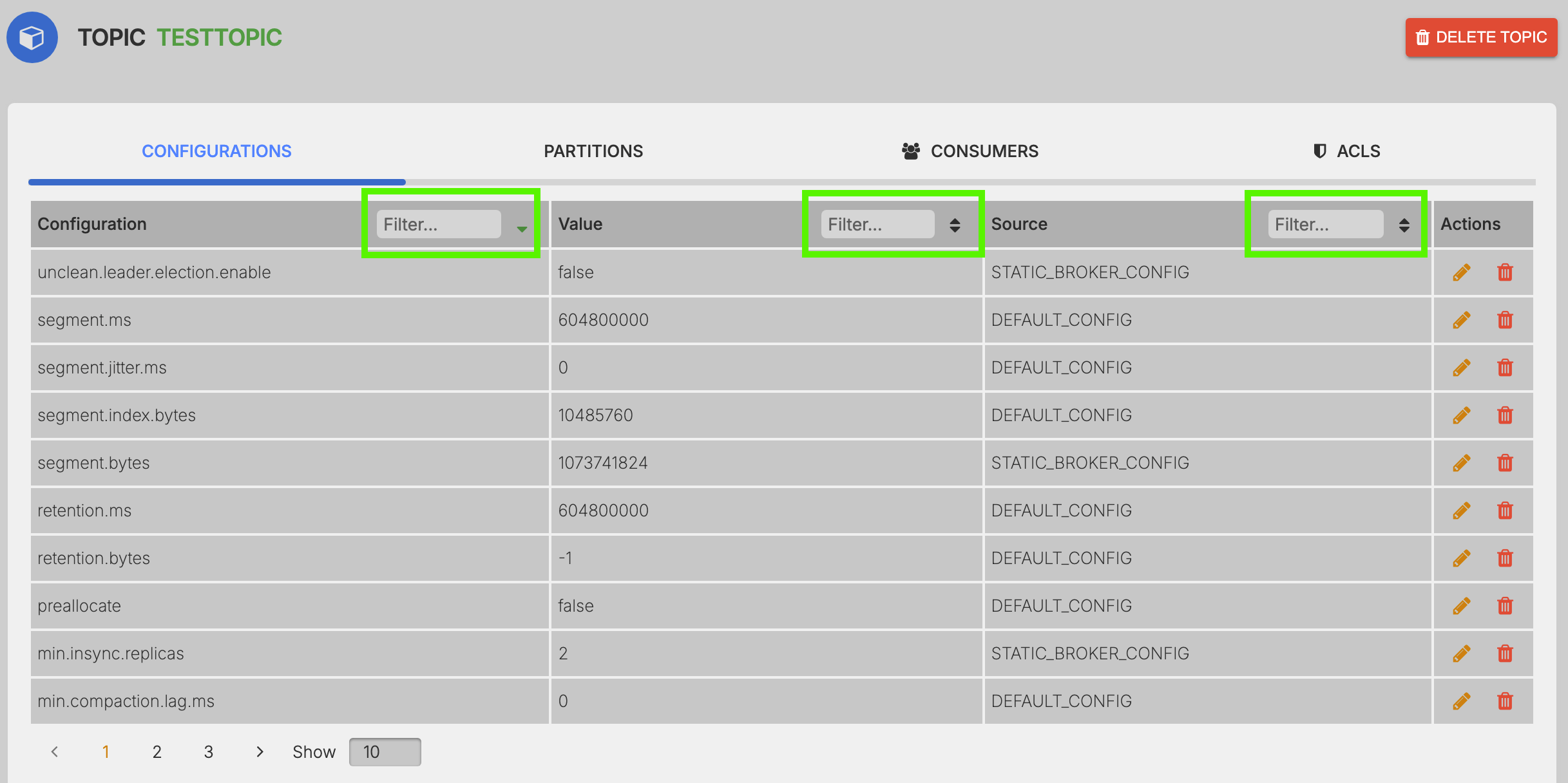
Edit or delete a configuration option
Perform the specified action.
- Edit Config:
- Delete Config:
Update the configuration value
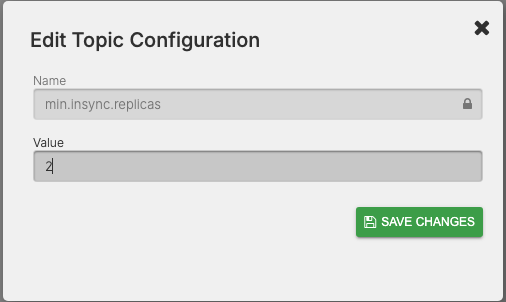
Update the value to the required value and save changes.