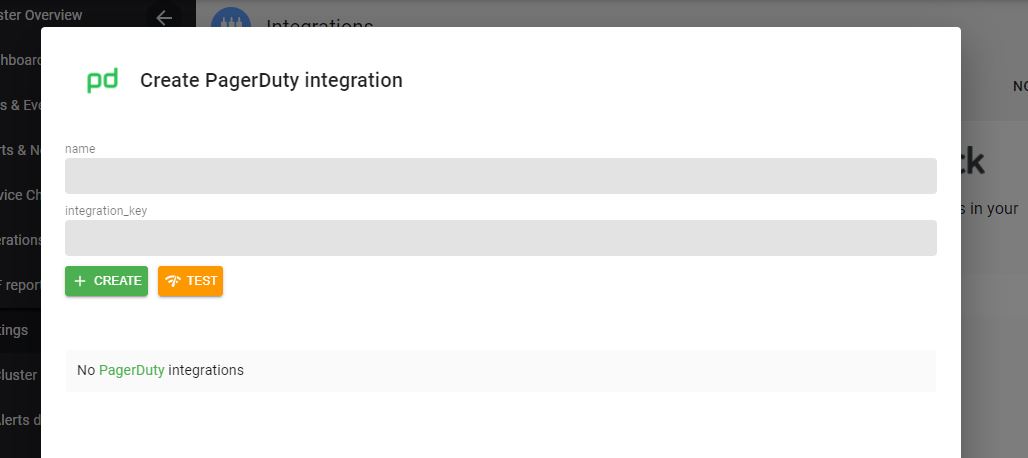
Set up PagerDuty Integration
Create PagerDuty Routing Key
Using these steps, note the PagerDuty routing key.
Insert PagerDuty Routing Key
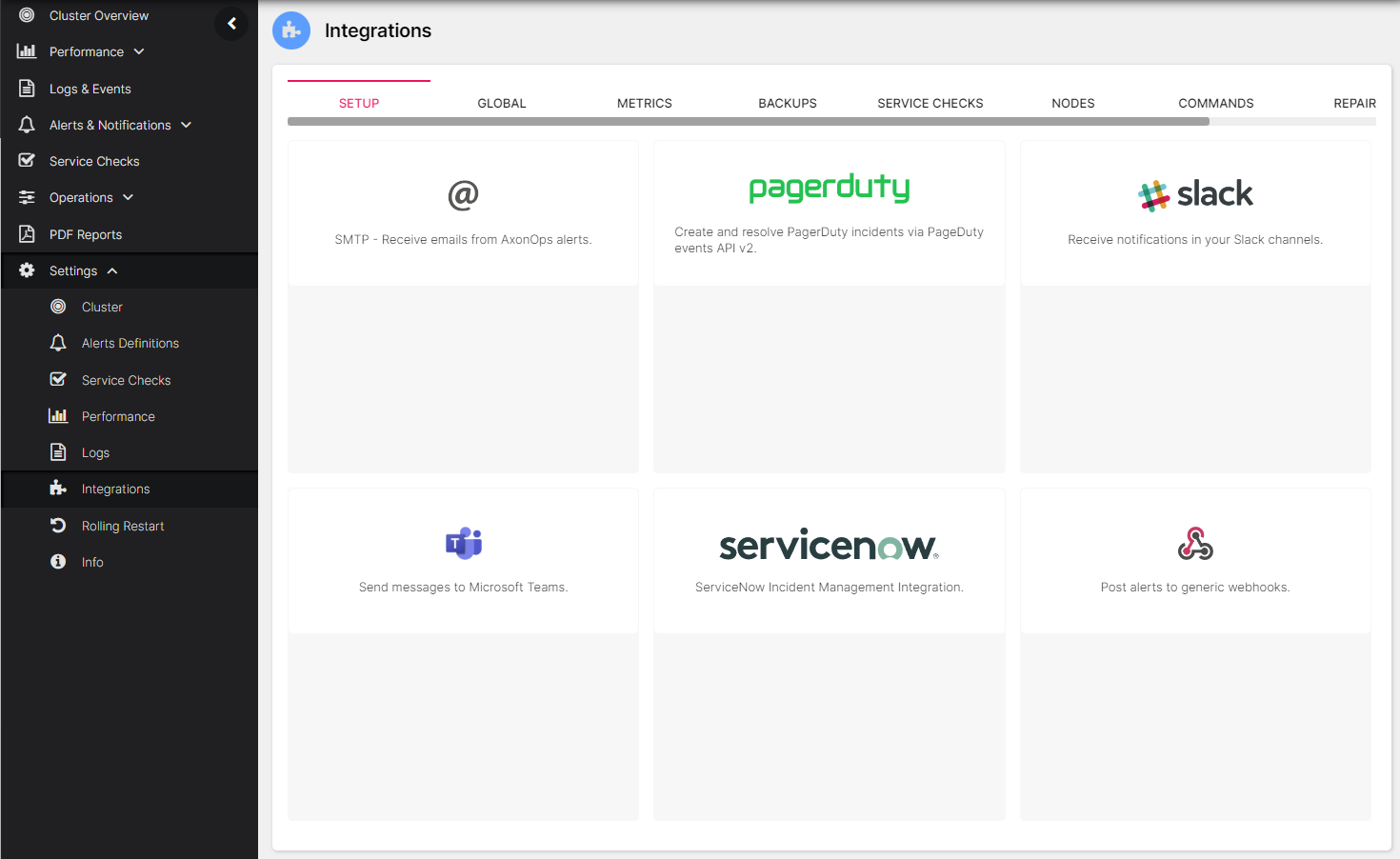
On the AxonOps application menu, select Settings -> Integrations.
Click the PagerDuty area.
Add the PagerDuty routing key from the previous step into the integration_key field.