Cluster Overview
Cluster Overview is the home page and provides a visual overview of your cluster health.
The information is automatically extracted by the AxonOps agent and pushed to the AxonOps server. There is no need to configure anything on the agent or the server side for this information to be populated in the Cluster Overview dashboard.
Supported Clusters
-
Apache Cassandra
-
Apache Kafka
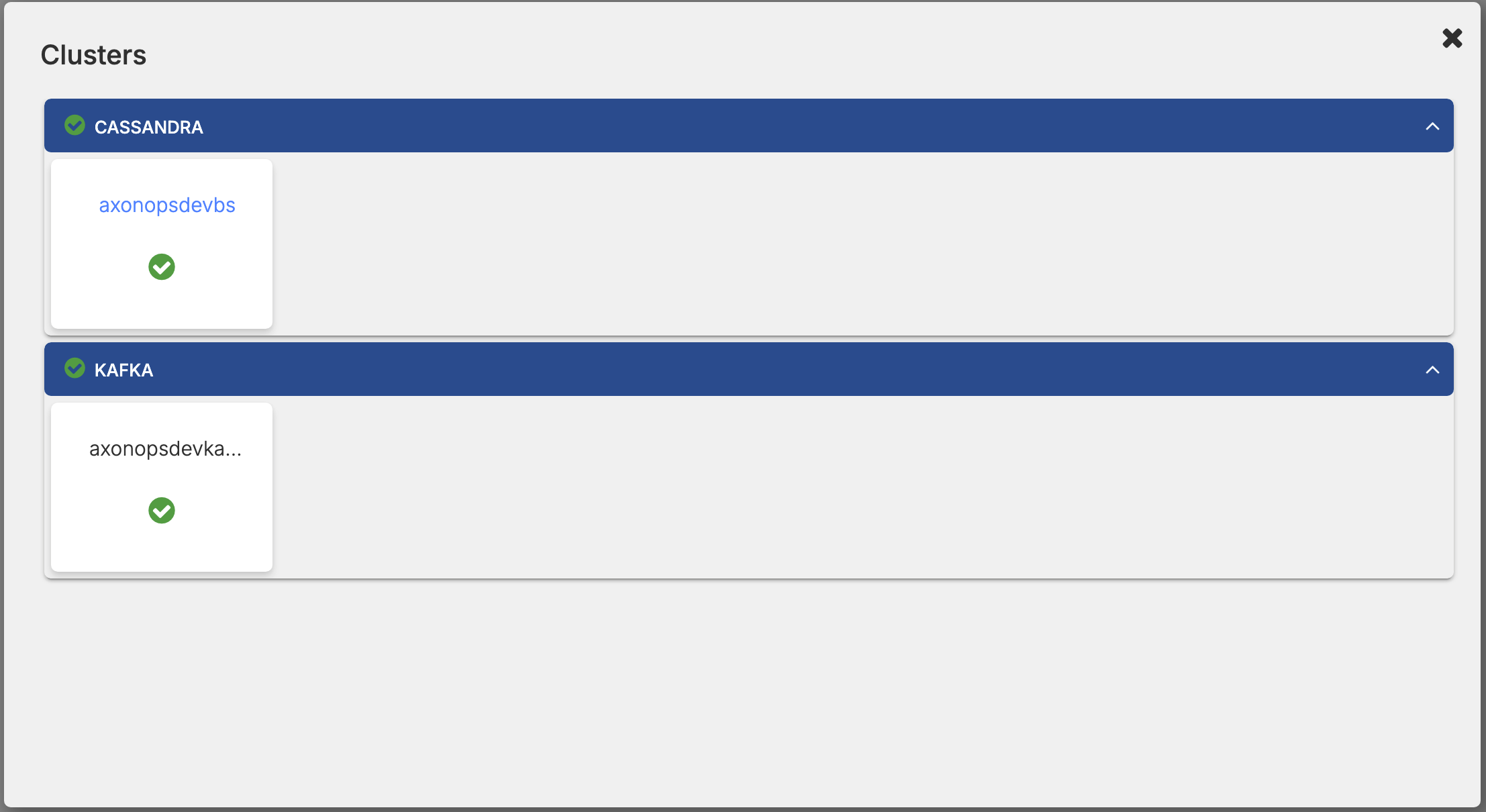
Switching between Clusters
- In the page breadcrumb, click Show List of Clusters.

- Select the Apache Cassandra or Apache Kafka cluster.
Overview - Graph and List Views
On the AxonOps application menu, select Cluster Overview.
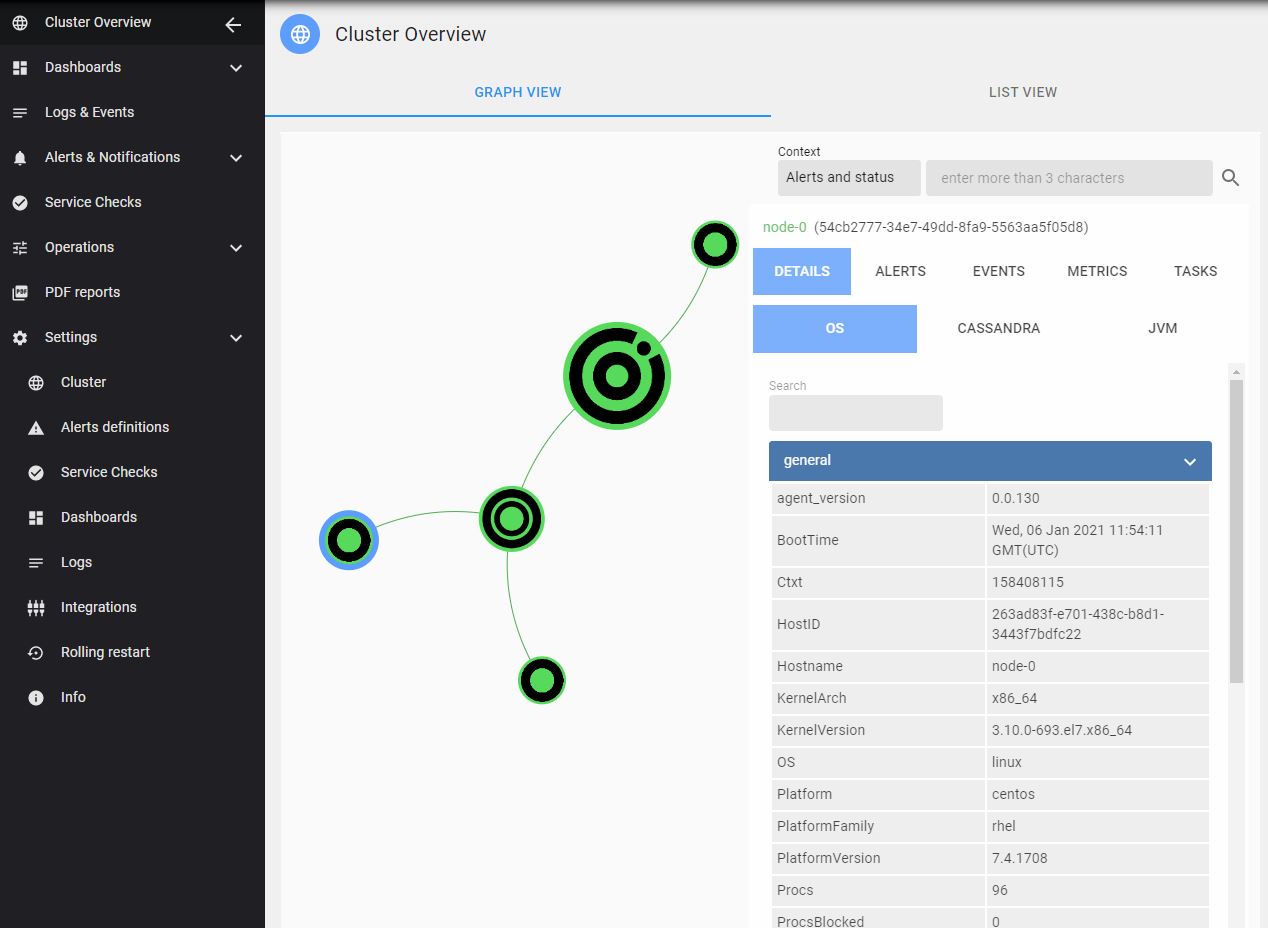
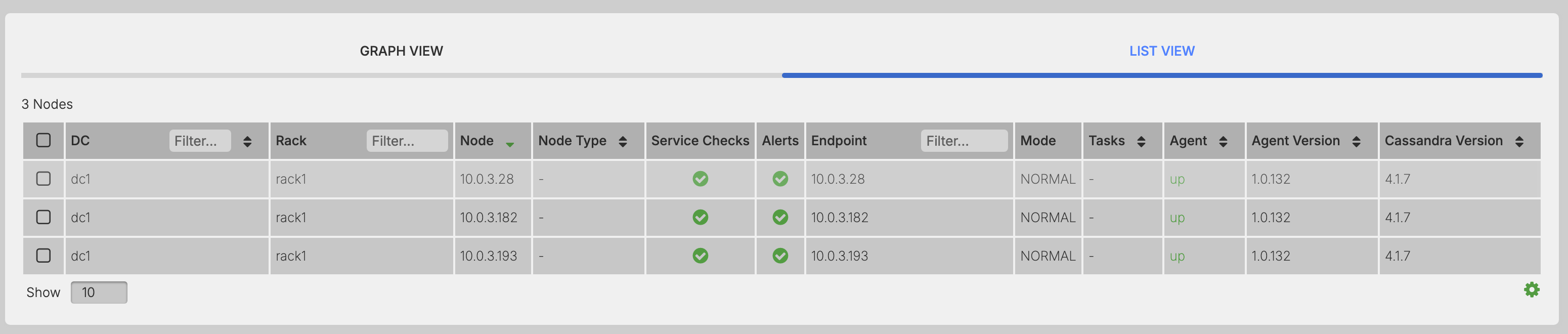
Select a node to view configuration details.
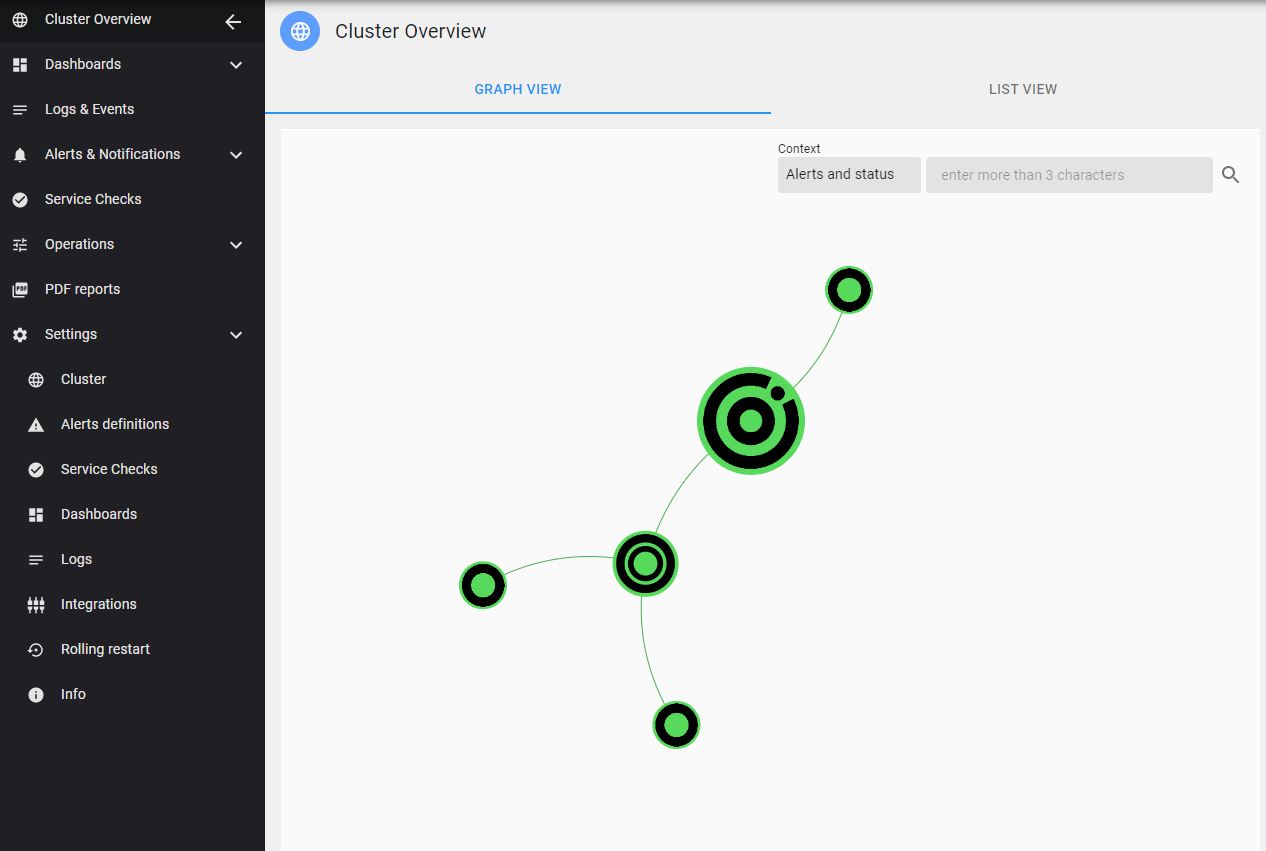
Graph View
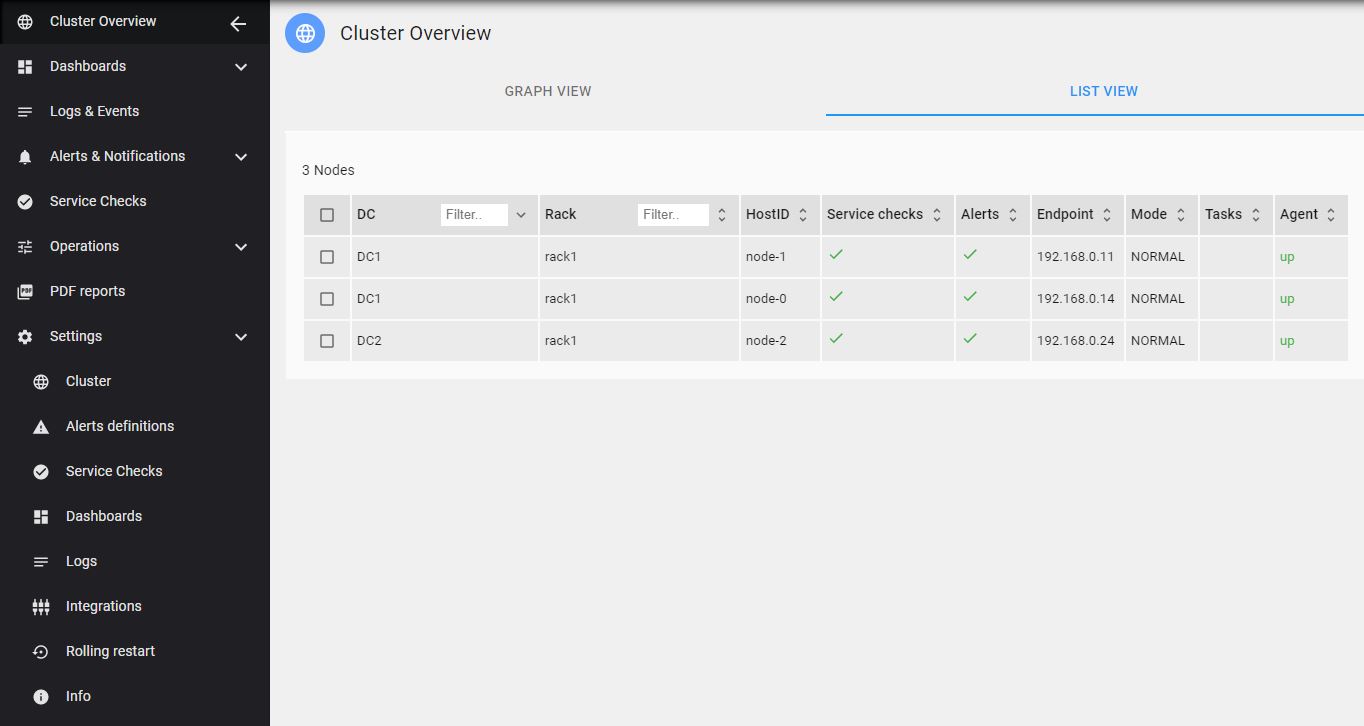
List View
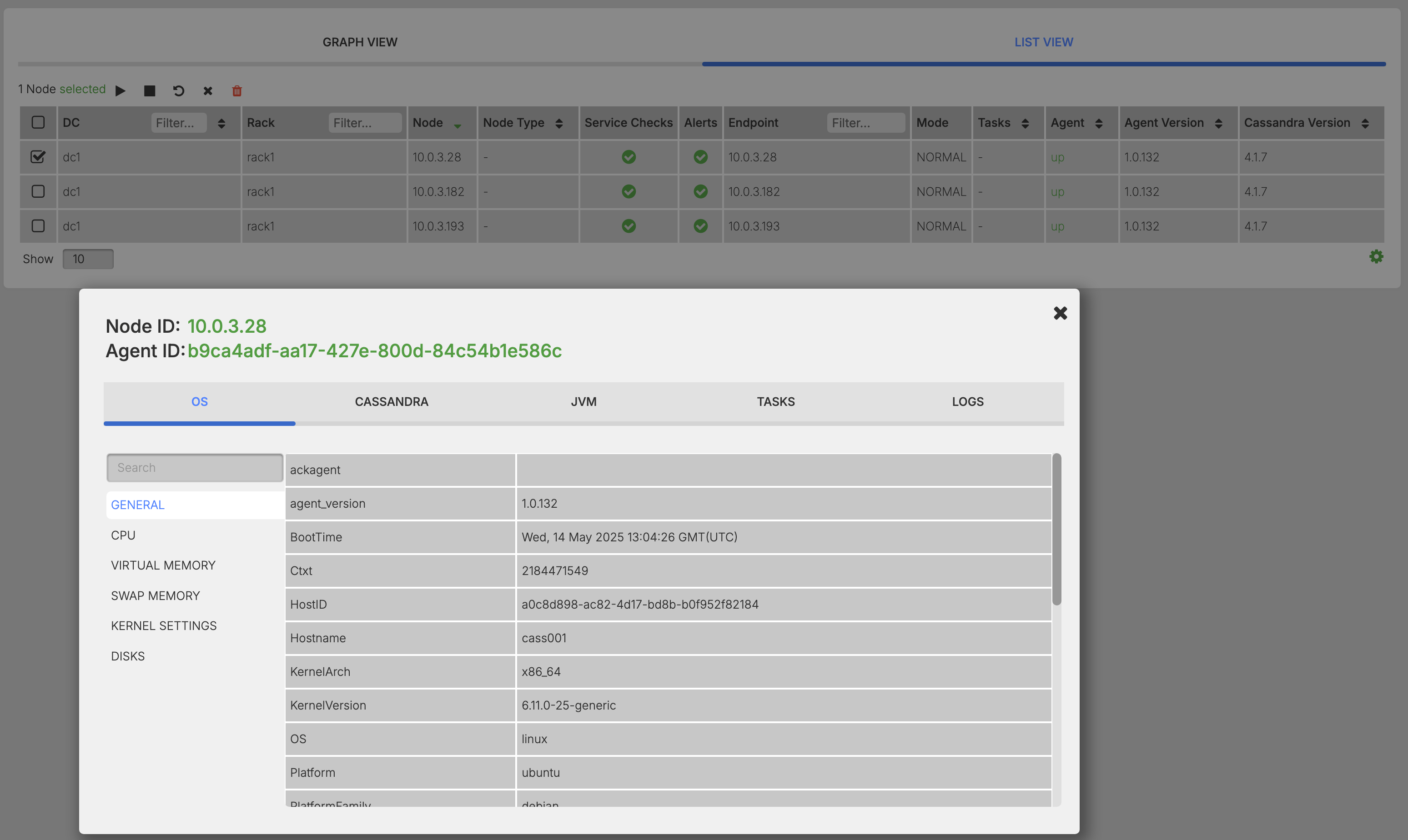
Configuration detail sections
Configuration detail sections show service-specific information and differ based on cluster and node type.
- Operating System (OS) Configuration
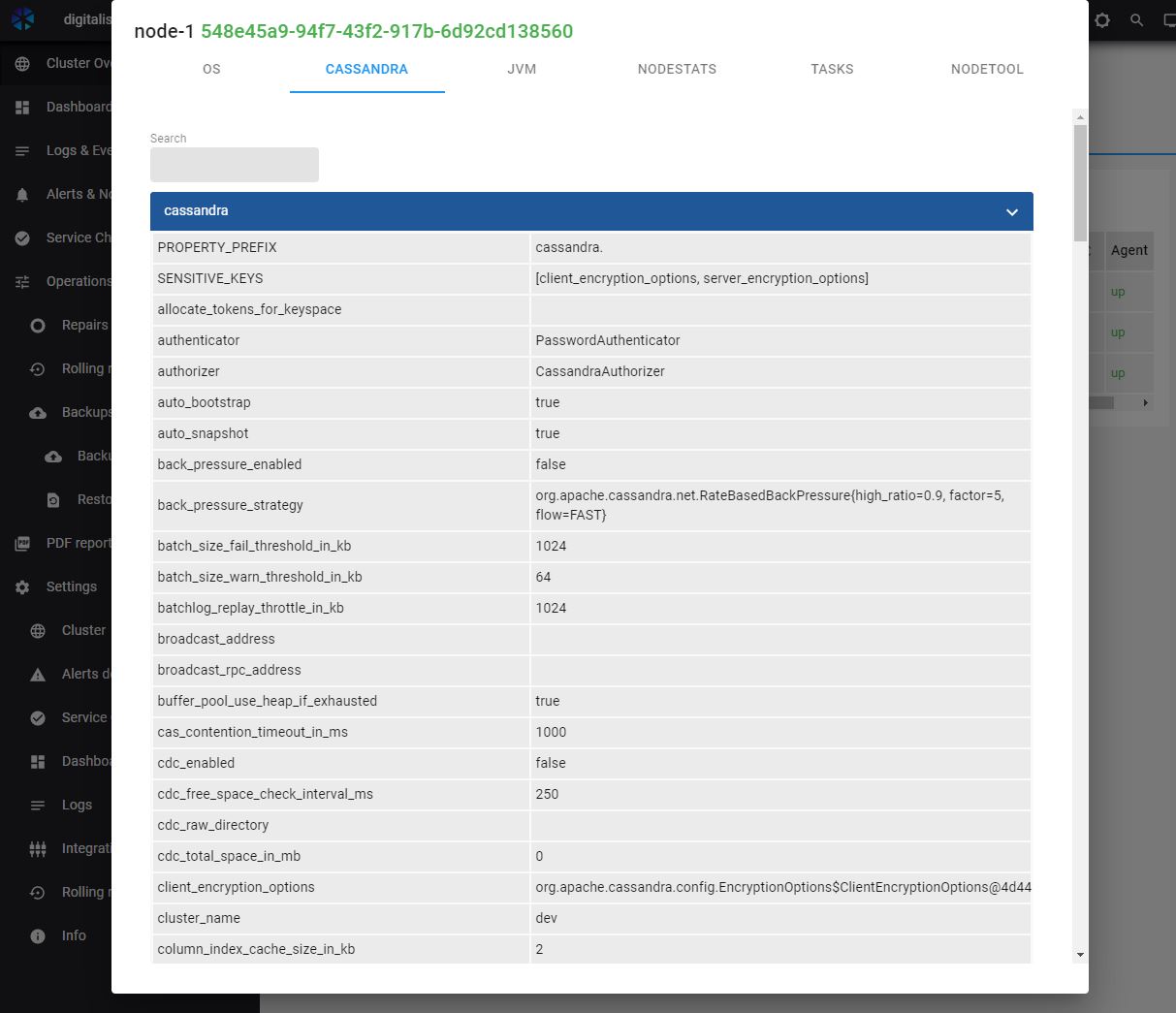
- Cassandra Configuration
- Kafka Configuration
- Zookeeper Configuration
- KRaft Broker Configuration
- KRaft Controller Configuration
- Kafka Connect Configuration
- Java (JVM) Configuration
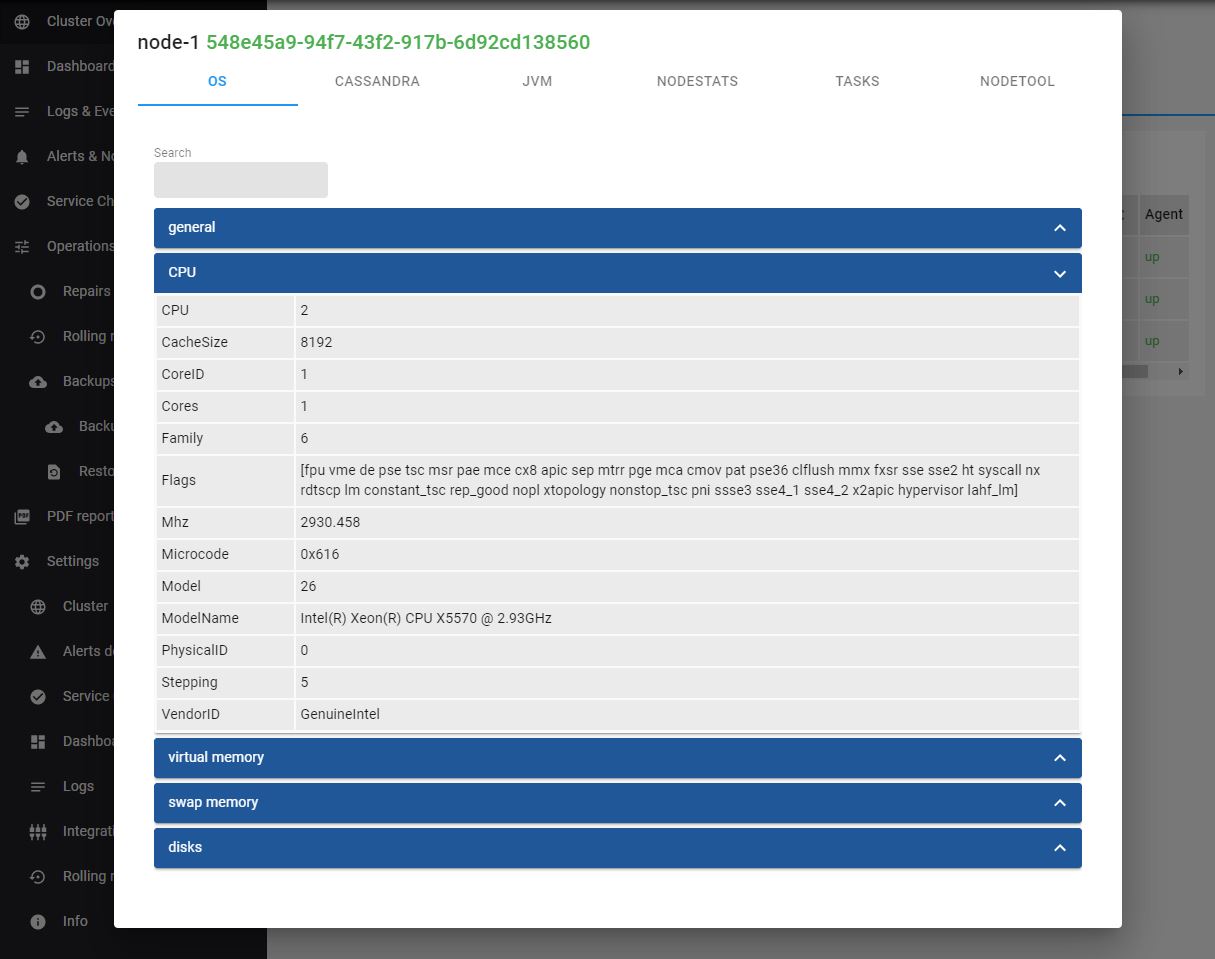
OS Details
The Operating System Details section shows general information including:
- General Information
- CPU
- Memory
- Swap
- Disk volumes
Node Details
The Node Details view shows details from specific node configuration files and differs based on cluster and node type.
There is a search field available near the top to filter the configuration parameters.
Node configuration files:
- Cassandra
- cassandra.yml
- Kafka
- server.properties
- zookeeper.properties
- KRaft
- broker.properties
- controller.properties
- server.properties
- Kafka Connect
- connect-standalone.properties
- connect-distributed.properties
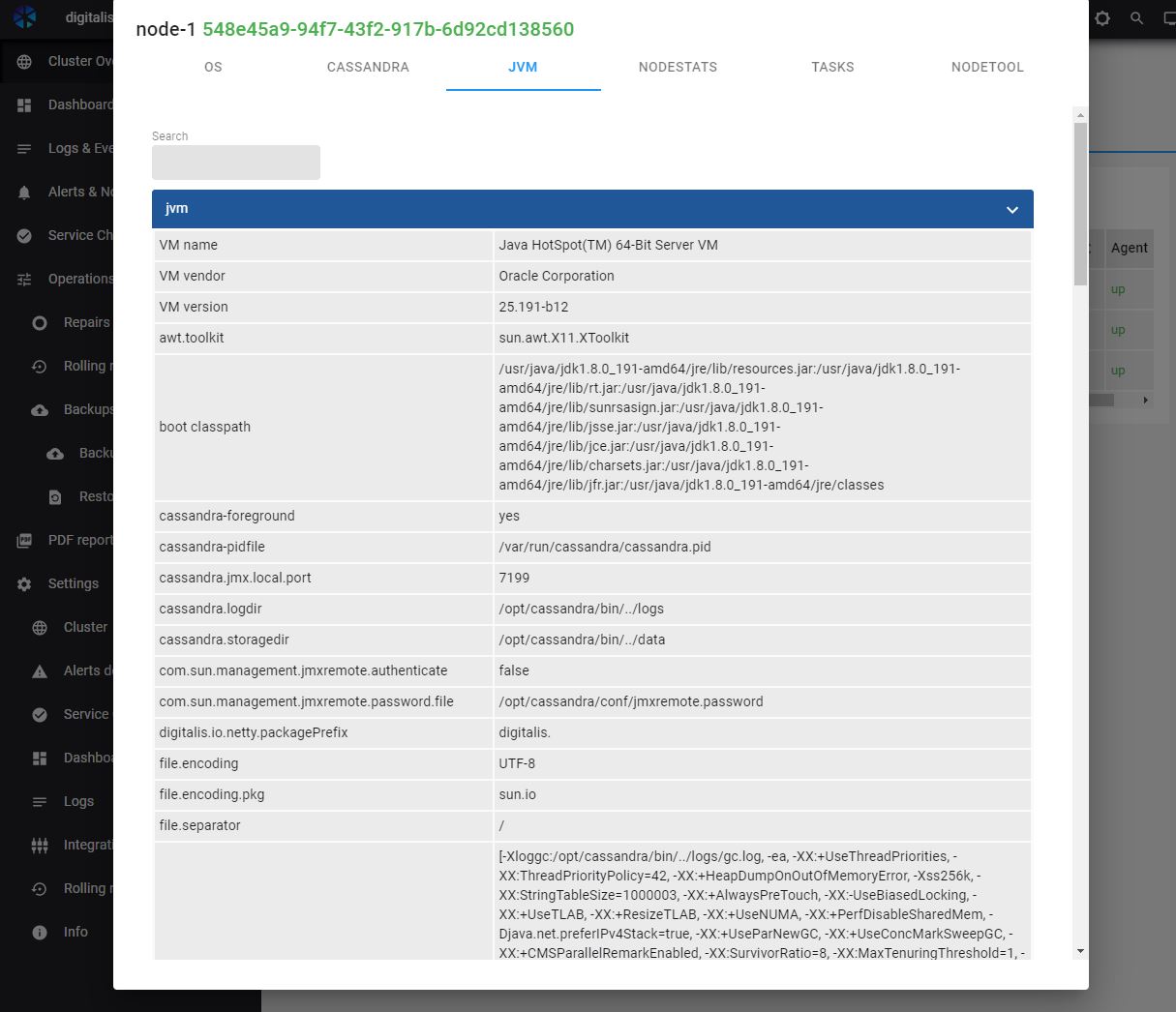
JVM Details
JVM Details section shows the general information about the Java Virtual Machine (JVM), including the version and some configuration options such as the heap and Garbage Collection settings.