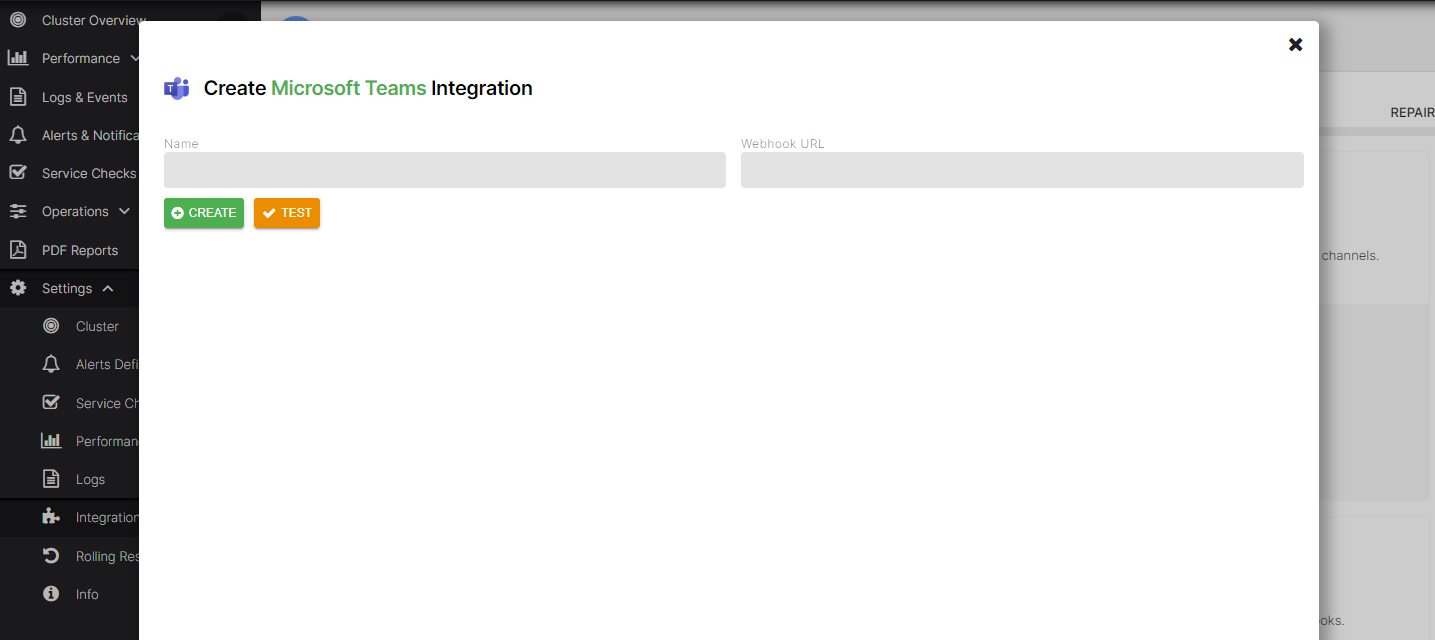
Set up Microsoft Teams Integration
Create Microsoft Teams Webhook
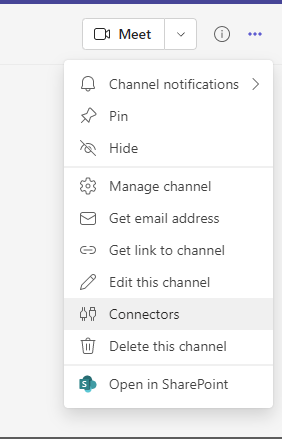
On the Microsoft Teams interface, go to Connectors.
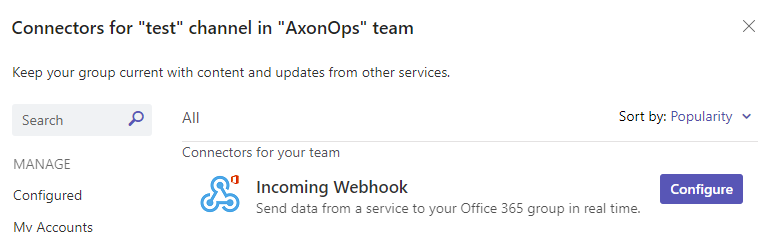
Configure the Incoming Webhook connector.
Provide a name and select Create.
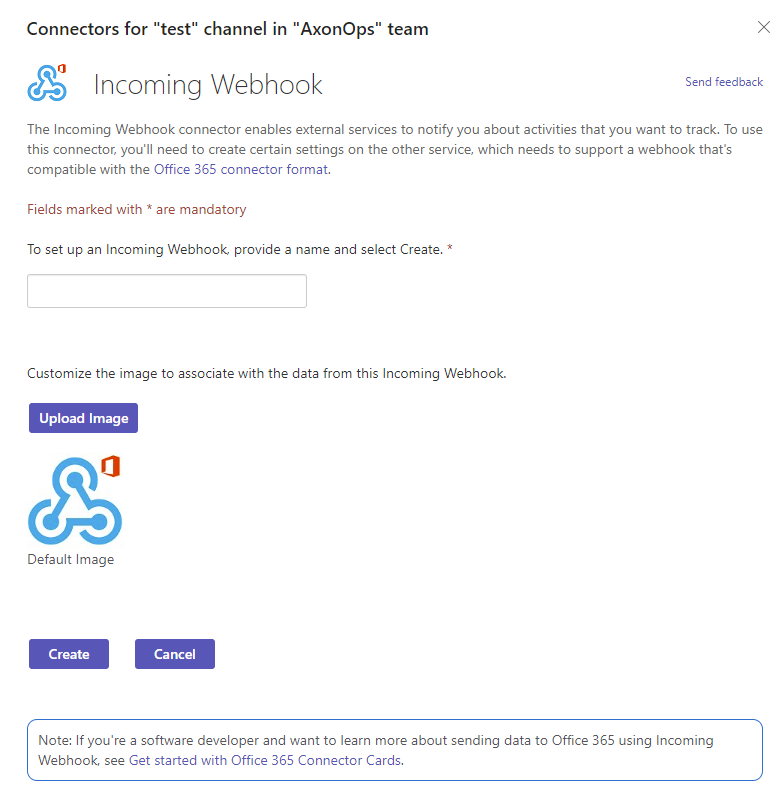
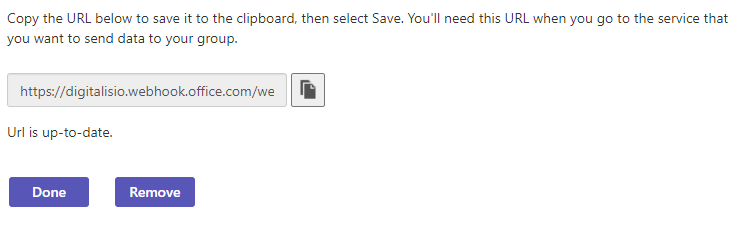
Copy the URL provided to the clipboard.
Create the Microsoft Teams Integration on axon-server
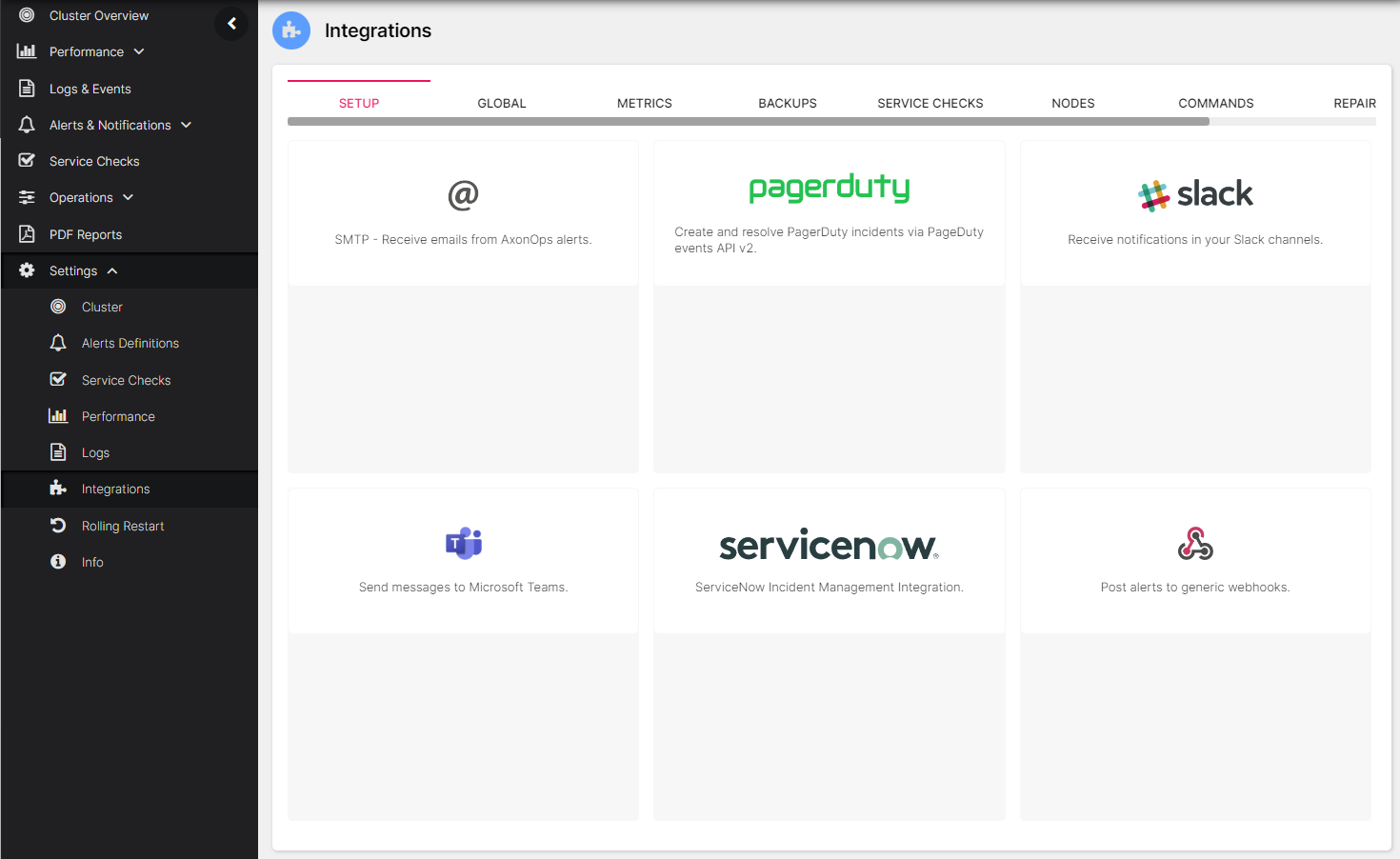
On the AxonOps application menu, select Settings -> Integrations.
Click on the Microsoft Teams area.
Enter a name, paste the URL in the Webhook URL field, and select Create.