Set up Default Routing
Default Routing
Use default routing to set the channels that receive alerts and the groups that receive those alerts.
Set up default routing
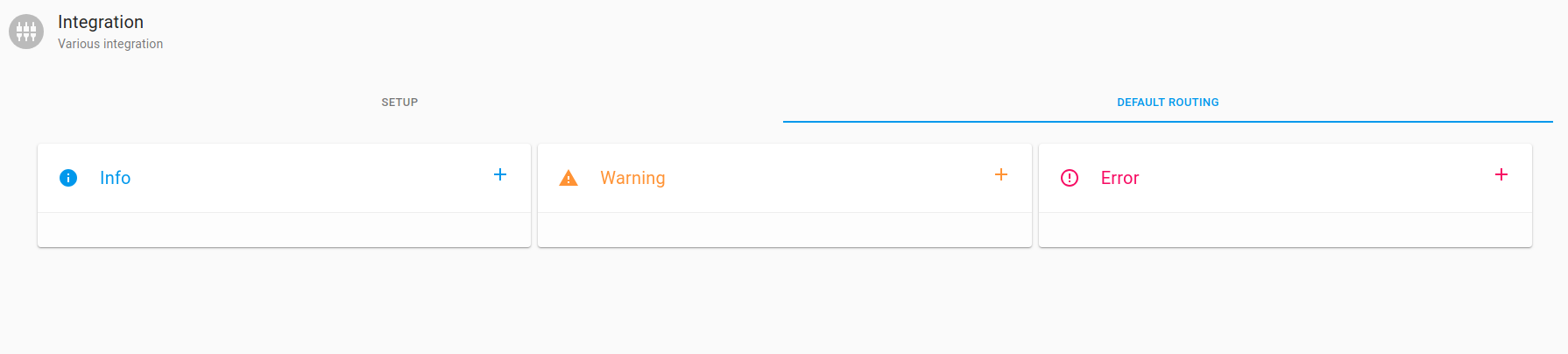
On the AxonOps application menu, select Alerts & Notifications > Integrations and open the Default Routing tab.
- Alert & Notification types can be set up
 Info
Info
 Warning
 Error
Error
Info
To set up default routing for Info, click  .
.
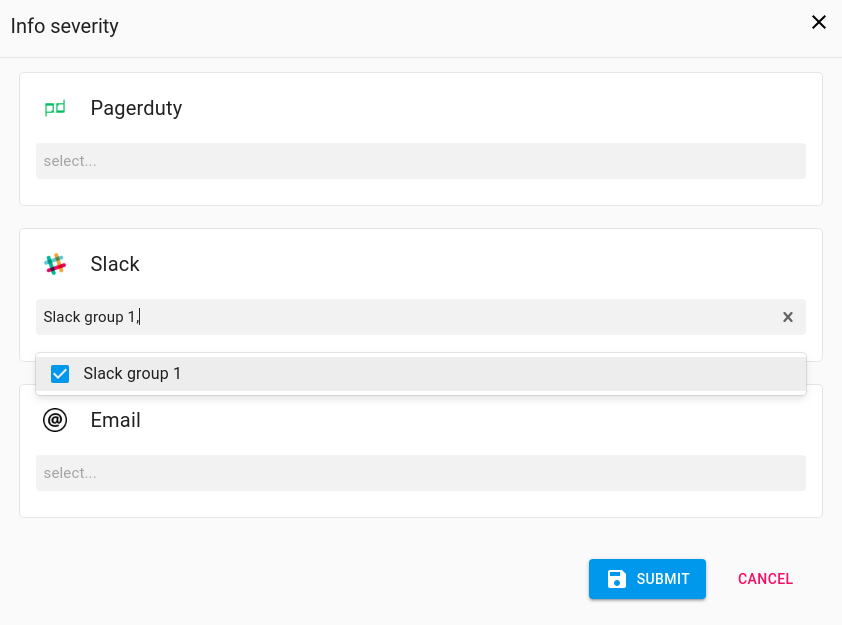
- Select the desired group(s) from the dropdown menu for the desired integration(s), then click
 to confirm selections.
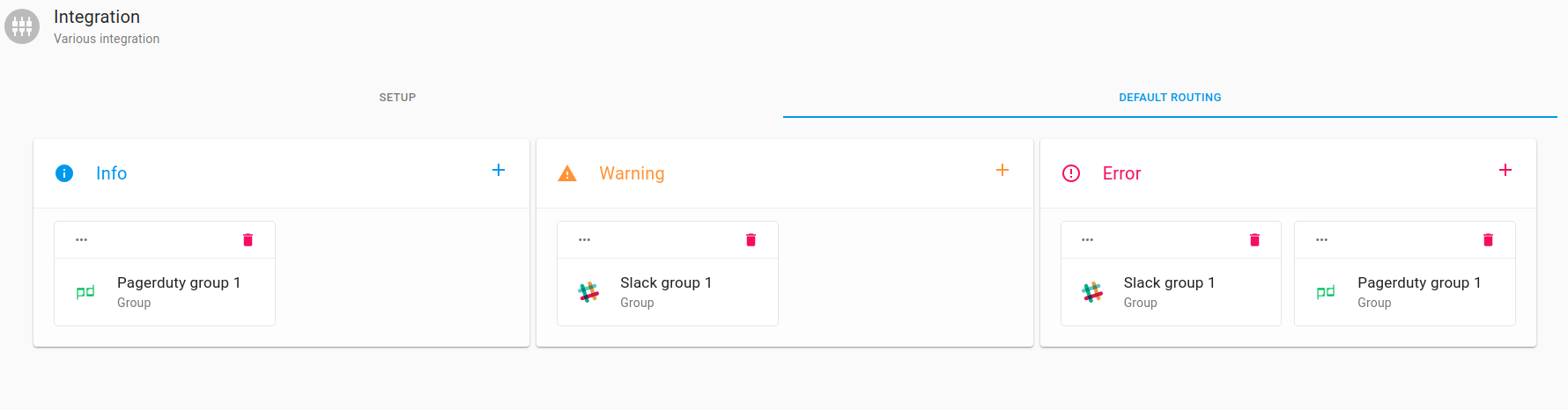
The group should now appear in the Info box on the Default Routing tab.
Warning and Error
Repeat these steps to set up default routing for Warning and Error.
Edit Default Routing
To edit Default Routing, click on the Info, Warning, or Error sections. Add or remove existing integrations using the dropdown menus.
Delete Default Routing
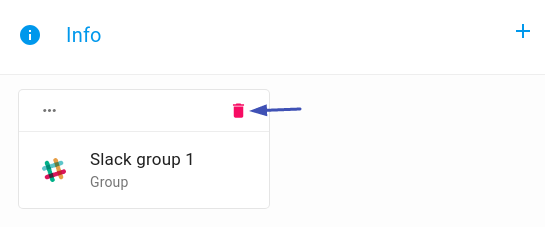
To remove a group, click the Delete icon.