Topic Access Control List (ACL)
Create an Access Control List (ACL)
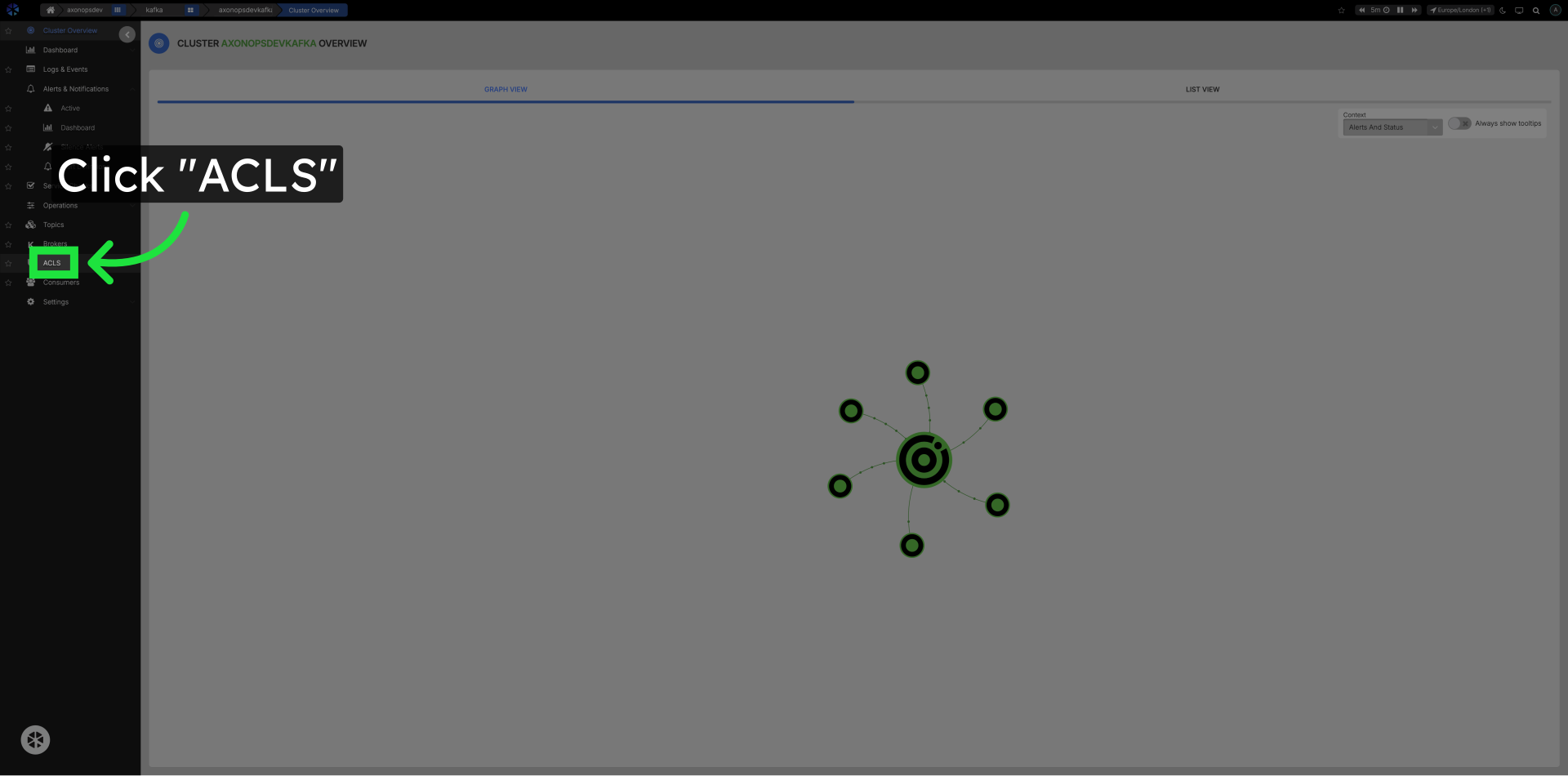
Click ACLs in the left navigation
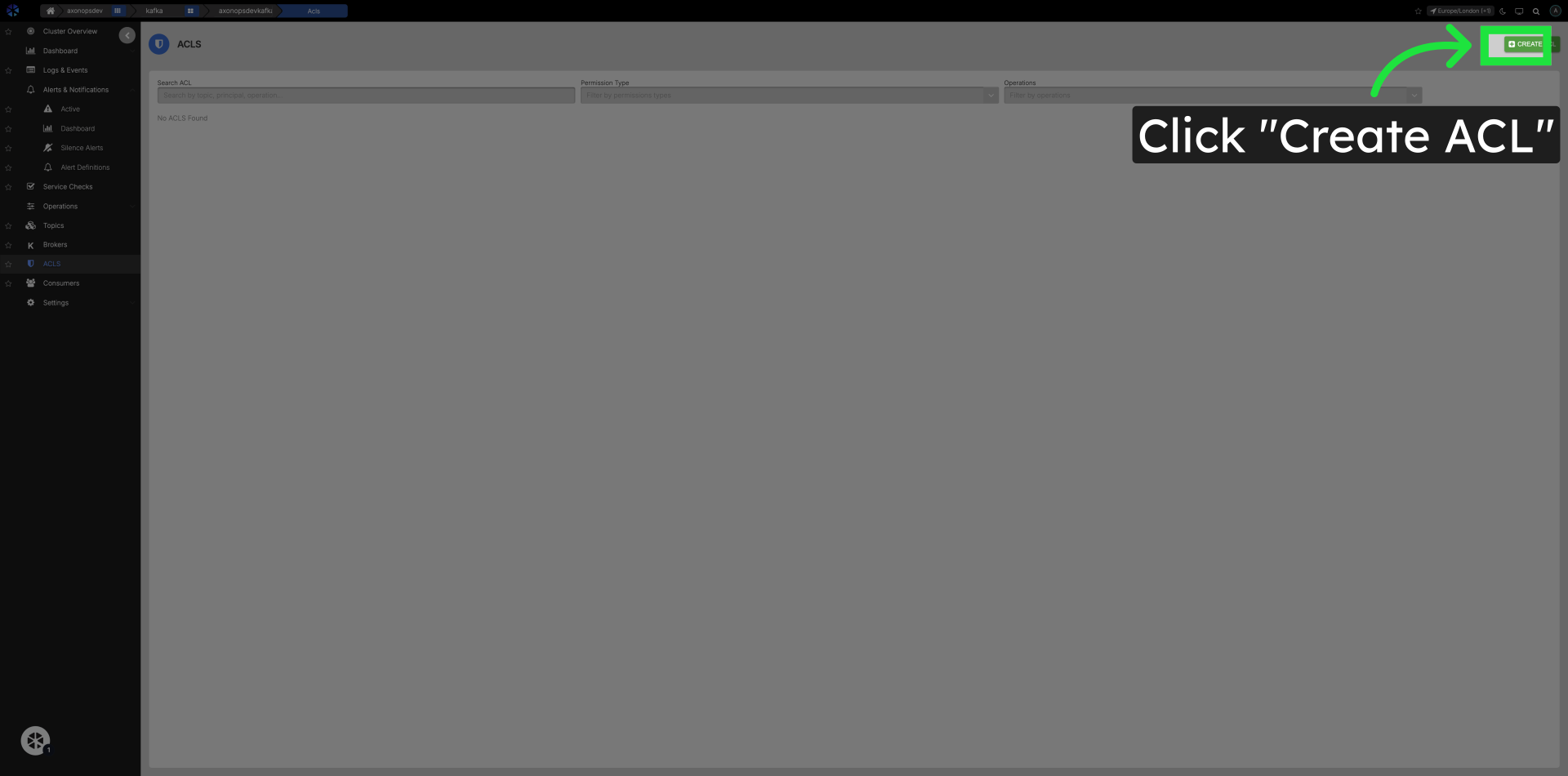
Click Create ACL Button
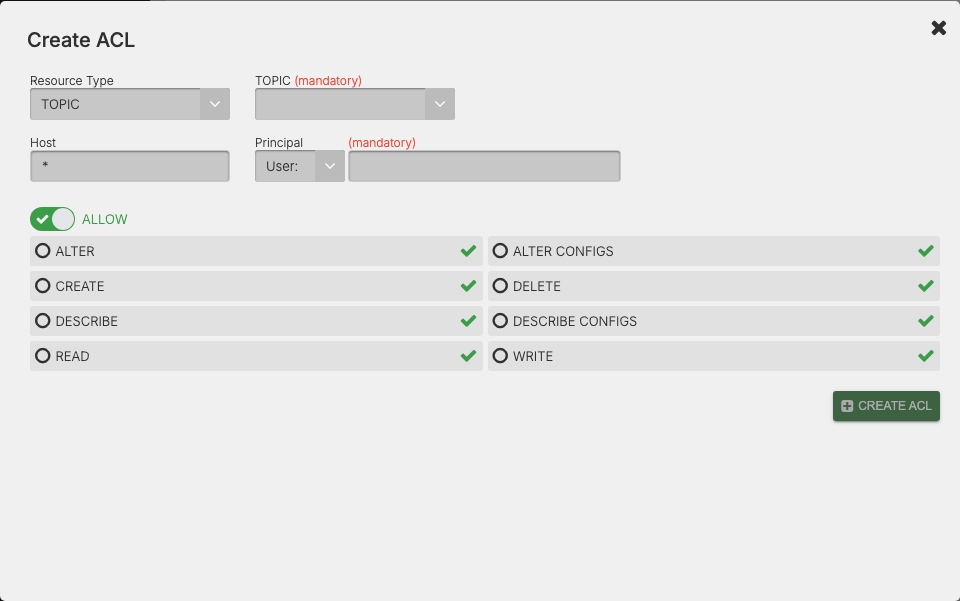
On the ACL Create screen complete the following fields
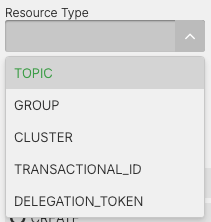
Select the ACL Resource Type
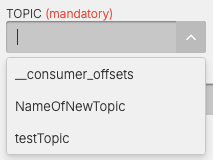
Select the Topic to apply the ACL to
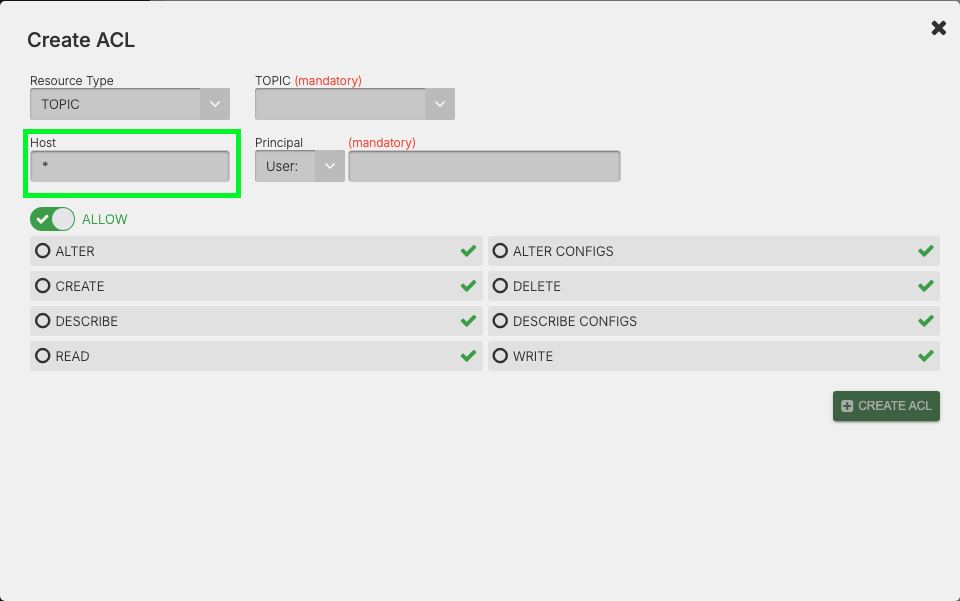
Edit the Host that will have access to the Topic
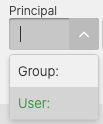
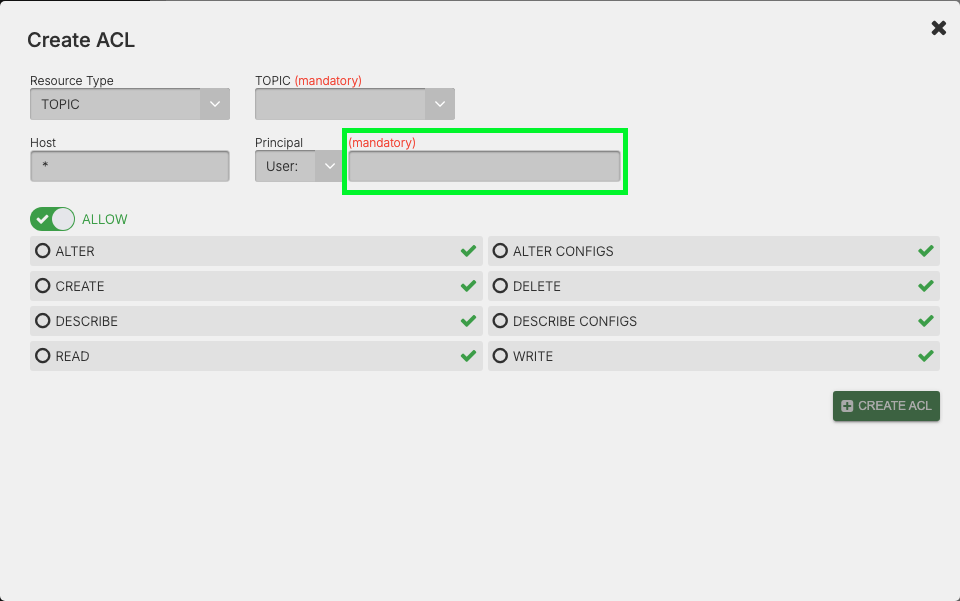
Select Principal and Principal Value
The user or application (e.g., User:alice, User:app1).
Select the Operation of the ACL
If you toggle the Operation switch it will flip between Allow and Deny.
Allow
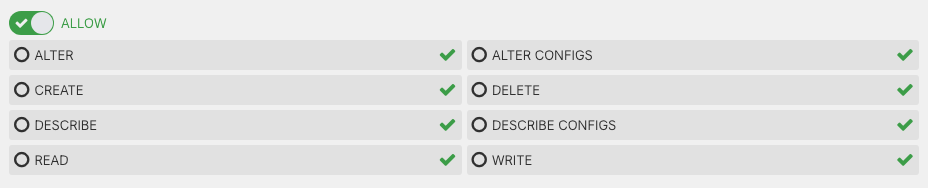
Deny
