Step 1 - Register your interest in AxonOps Cloud
Click the button to get started.
Fill in your details on the registration screen.
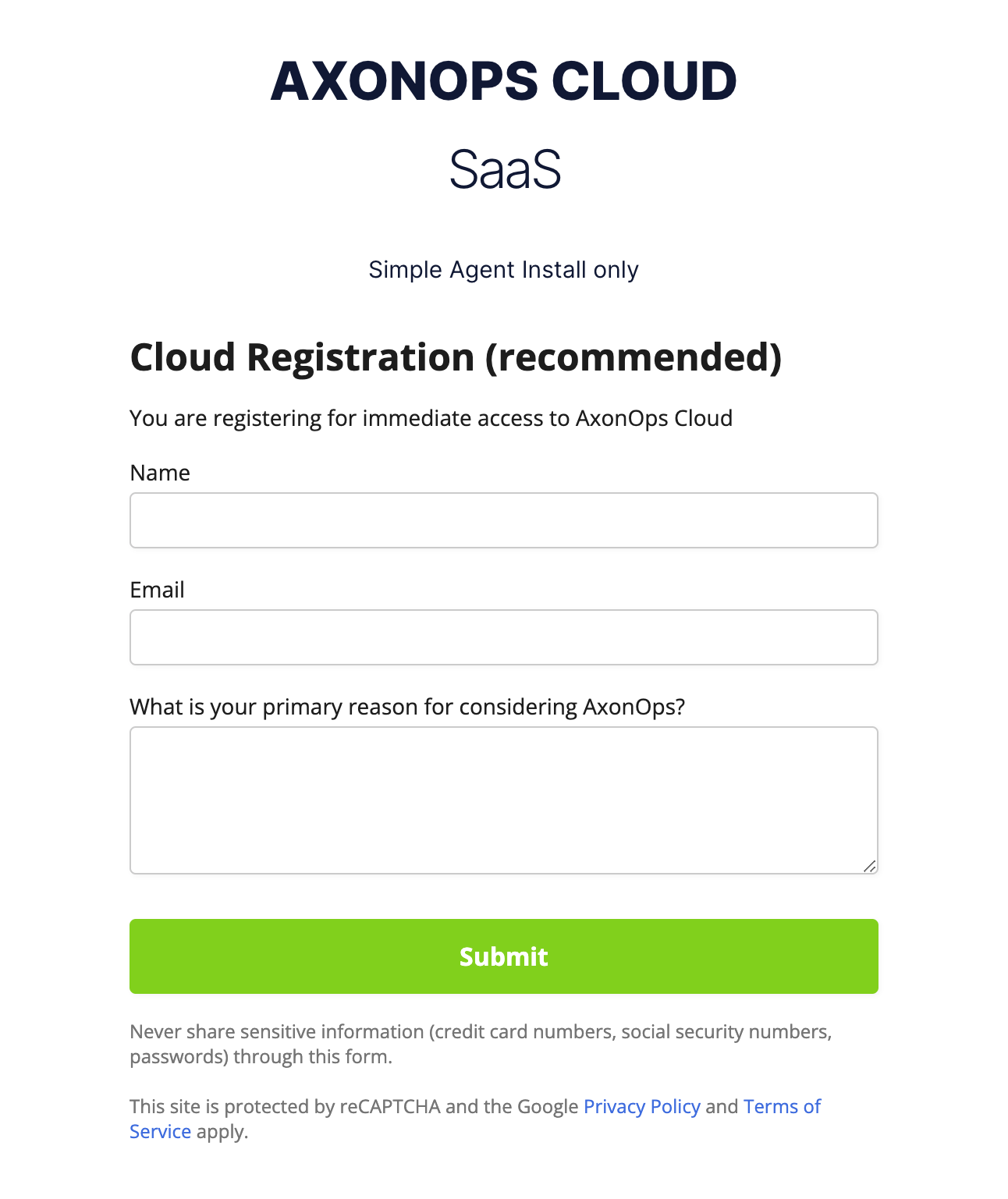
Once your account has been registered, a confirmation email will be sent.
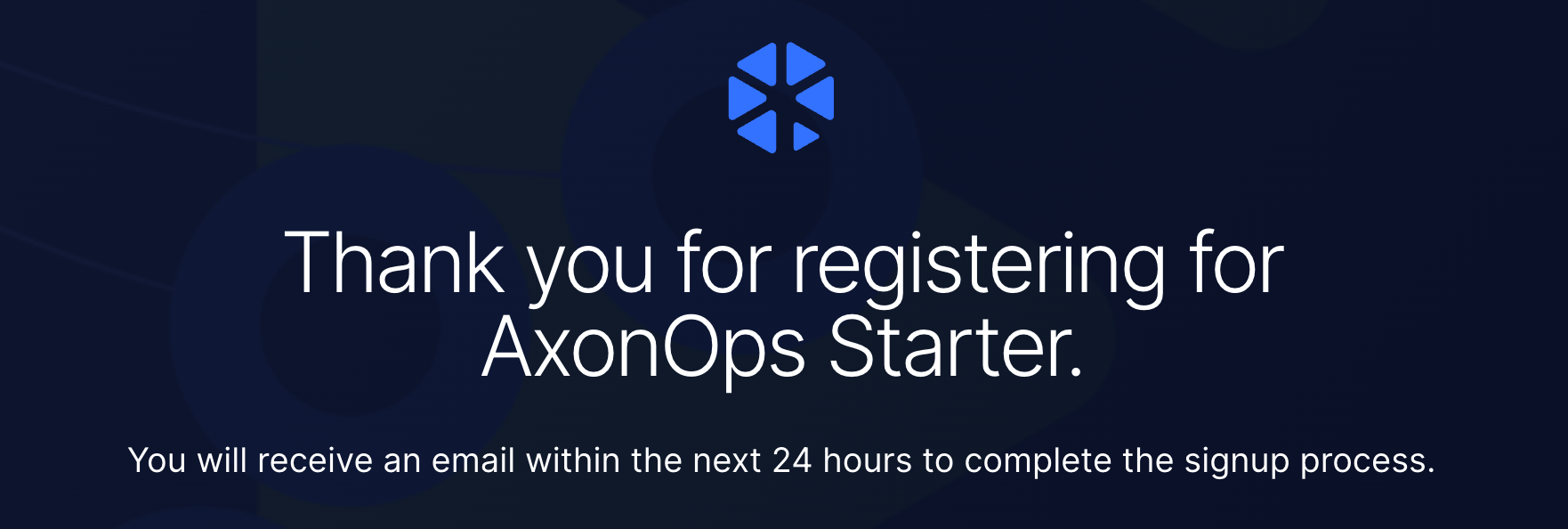
Step 2 - Complete your AxonOps Cloud account sign-up
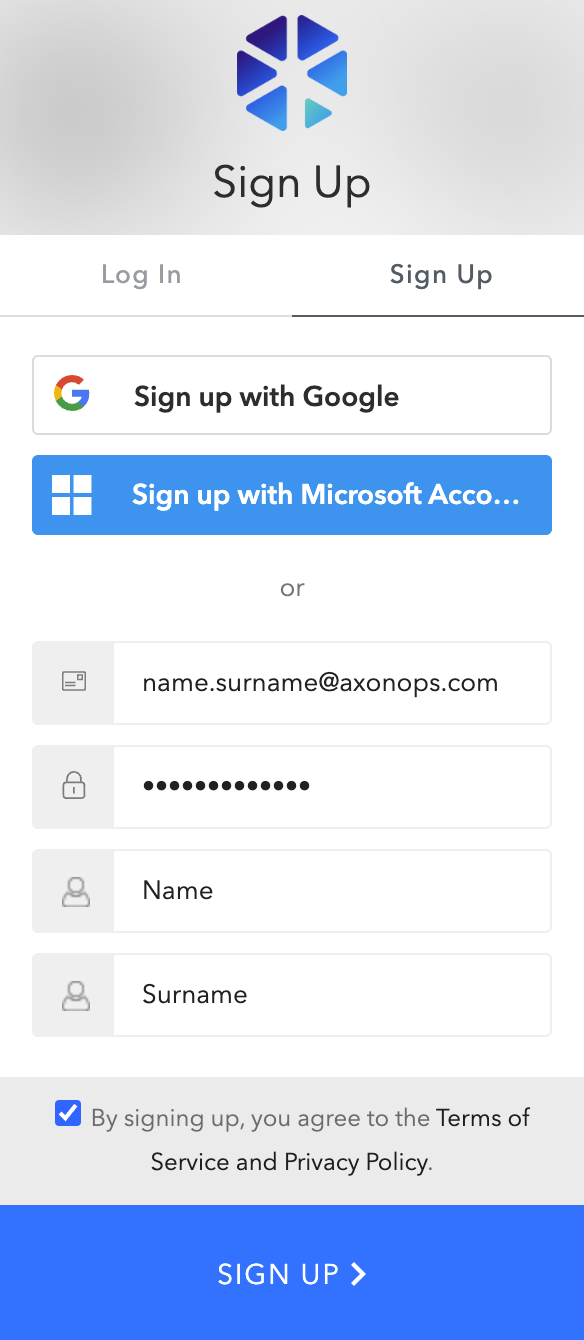
Click the link in the email to complete the sign-up process.
You will be taken to the sign-up screen where you can enter your details or choose to use either Google or Microsoft Azure to complete the process.
Another email will be sent to verify that your email address is correct.
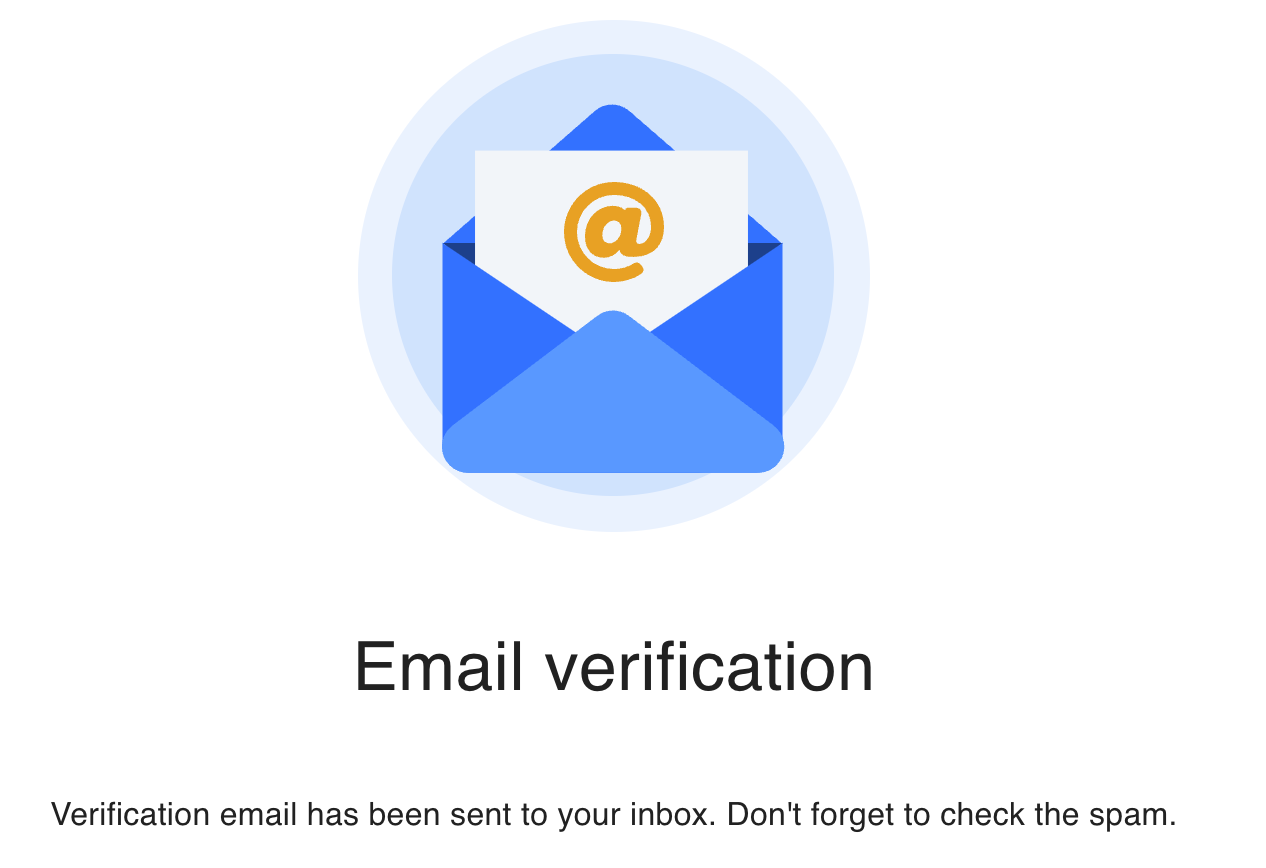
Once the email has been verified you are signed in to AxonOps Cloud Console.
Step 3 - Set up your organization
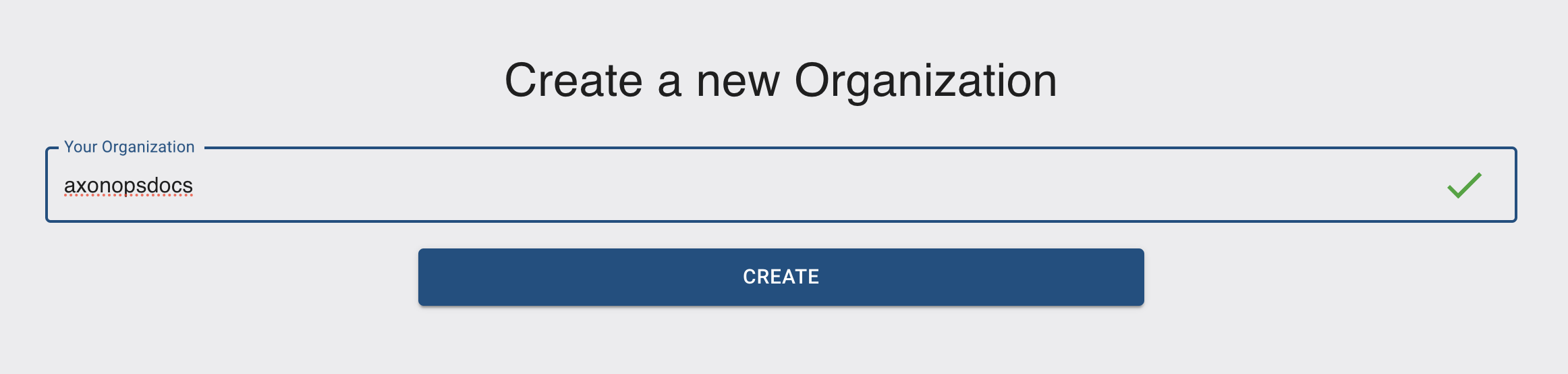
- Enter your organization name. (Organization names are unique and cannot be reused.)
- The confirmation tick in the organization name box shows whether the name is available.
- Click Create.
Step 4 - Choose subscription
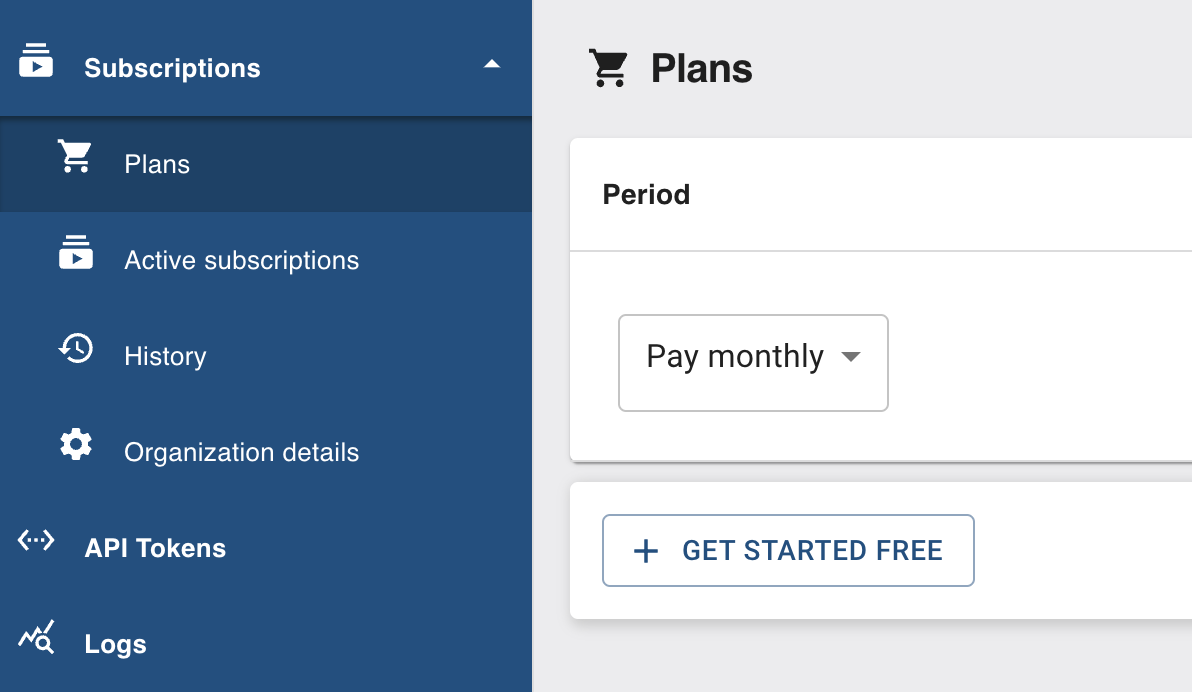
- On the left-hand menu select Subscriptions.
- Under Subscriptions, select Plans.
- On the Plans page, select Get Started Free.
Step 5 - Set up AxonOps Agents
Follow the AxonOps Cloud agent setup to connect your cluster to AxonOps Cloud.